Winters END
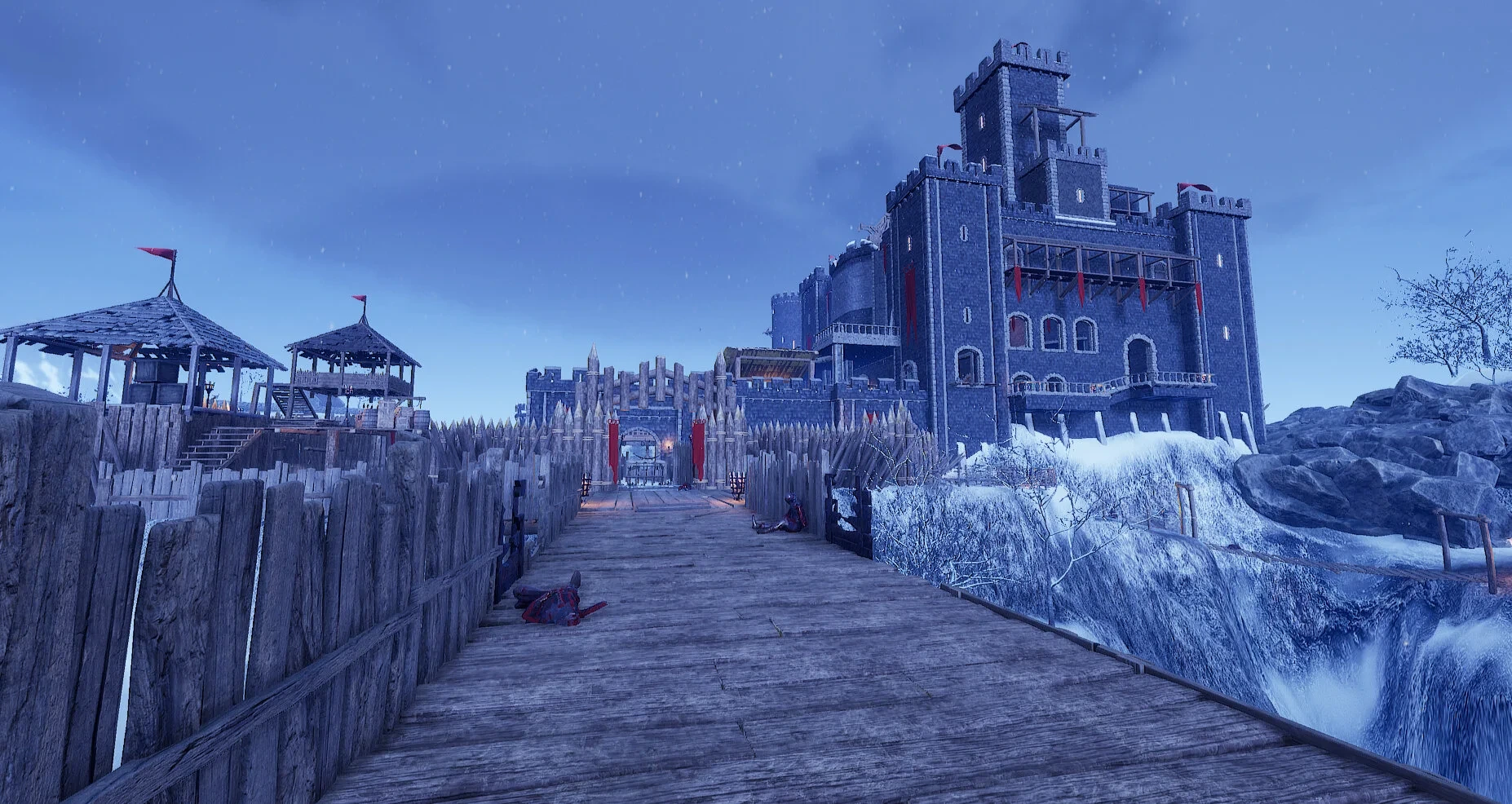
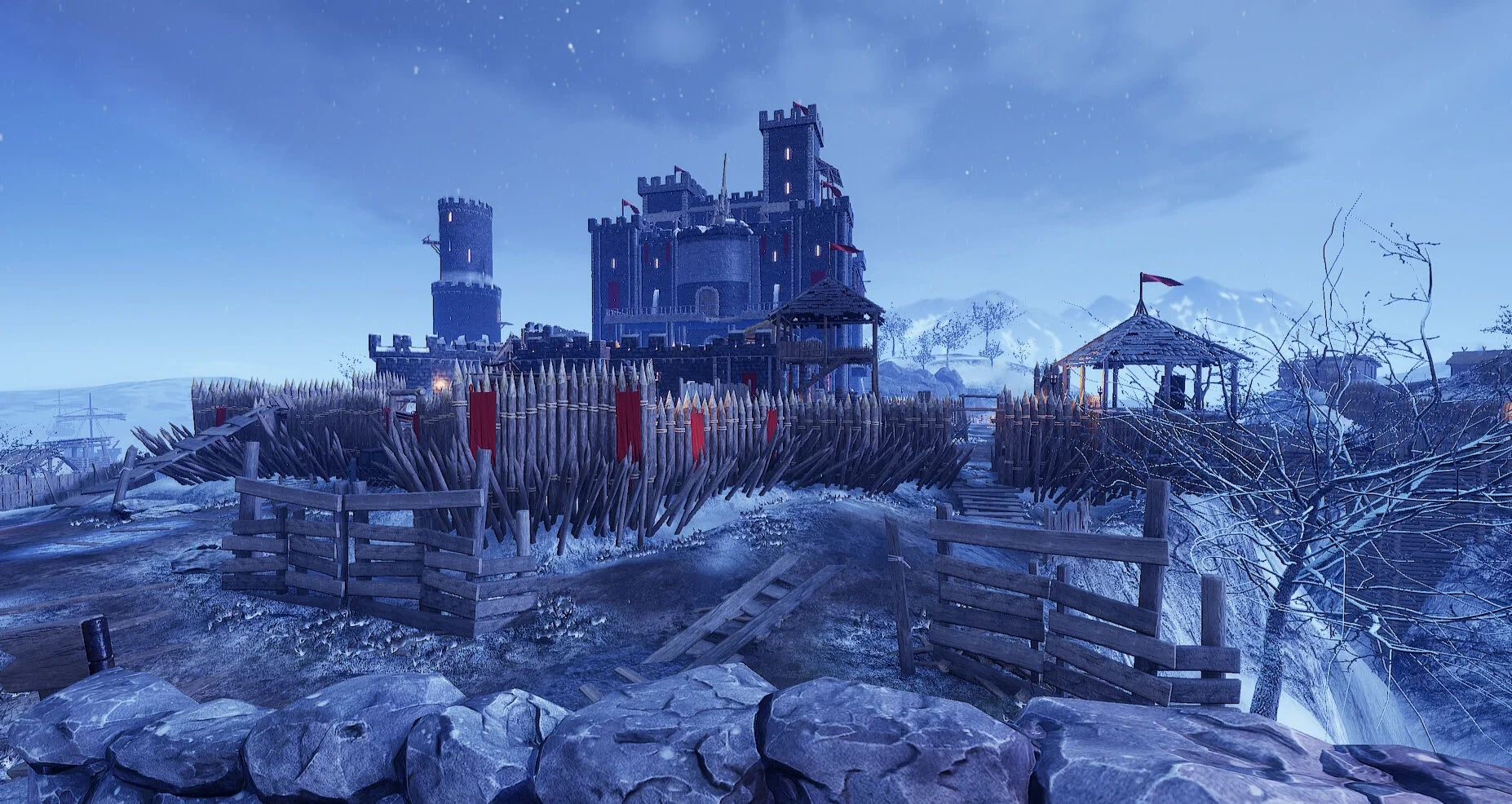
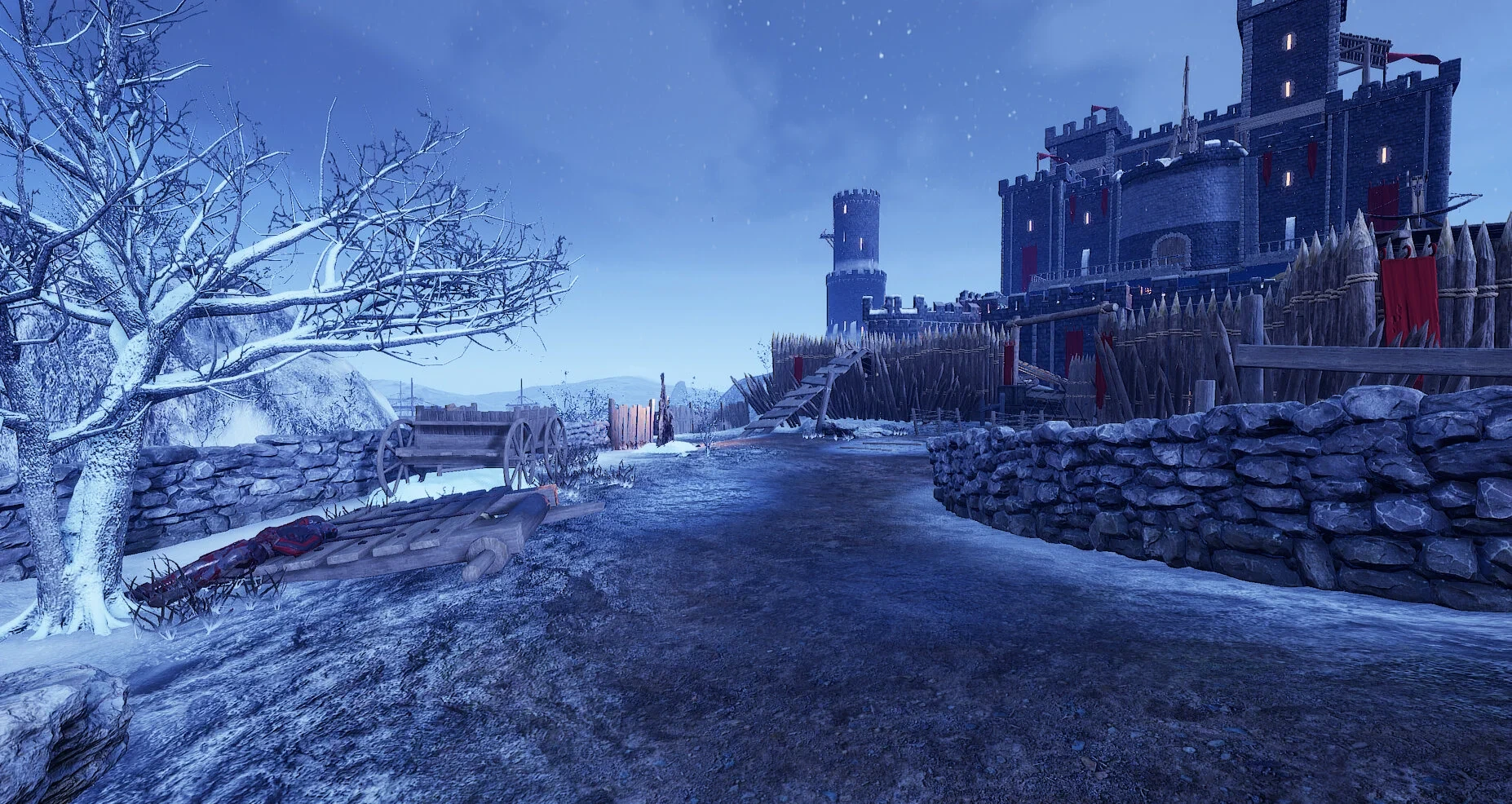
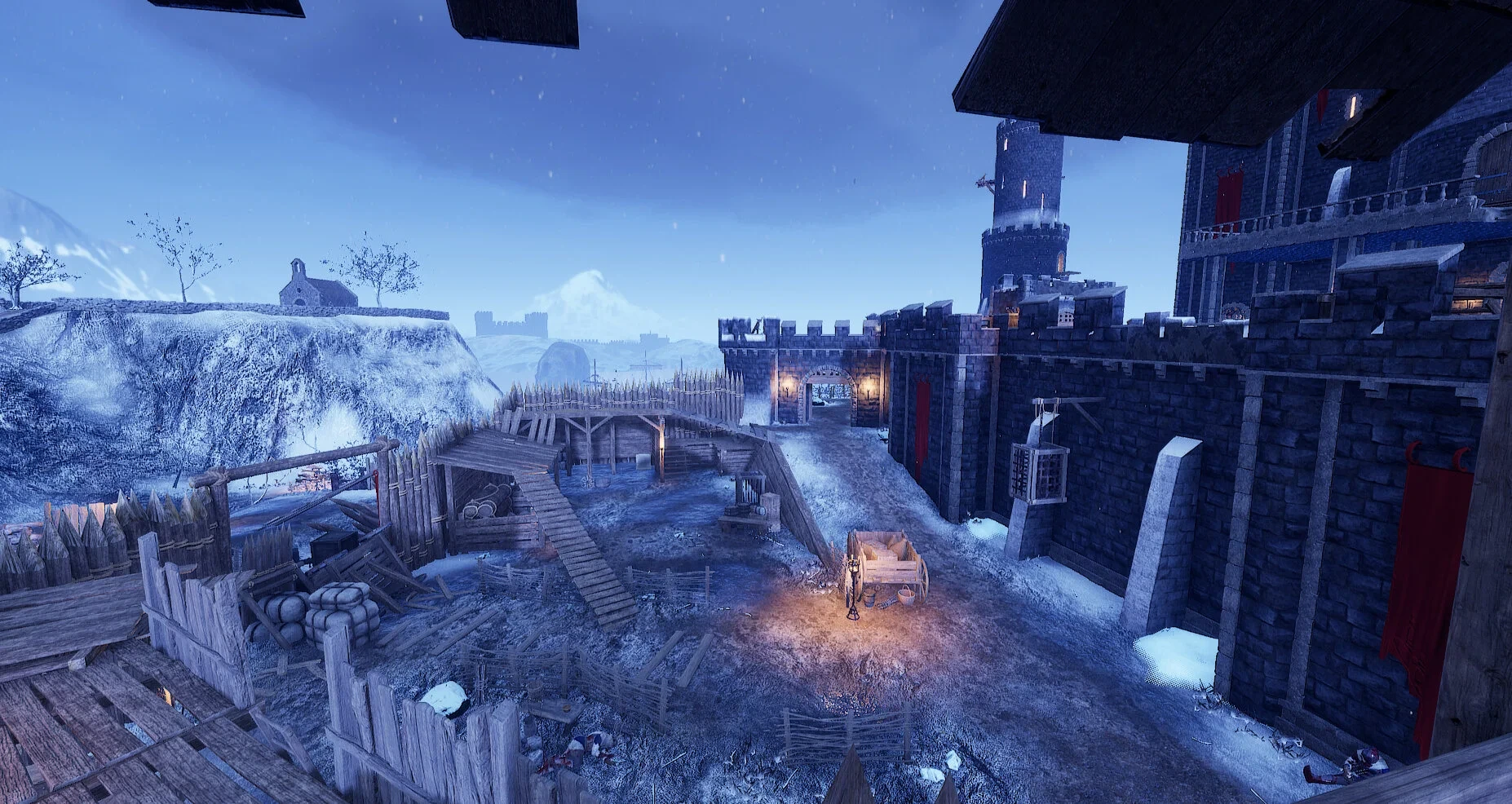
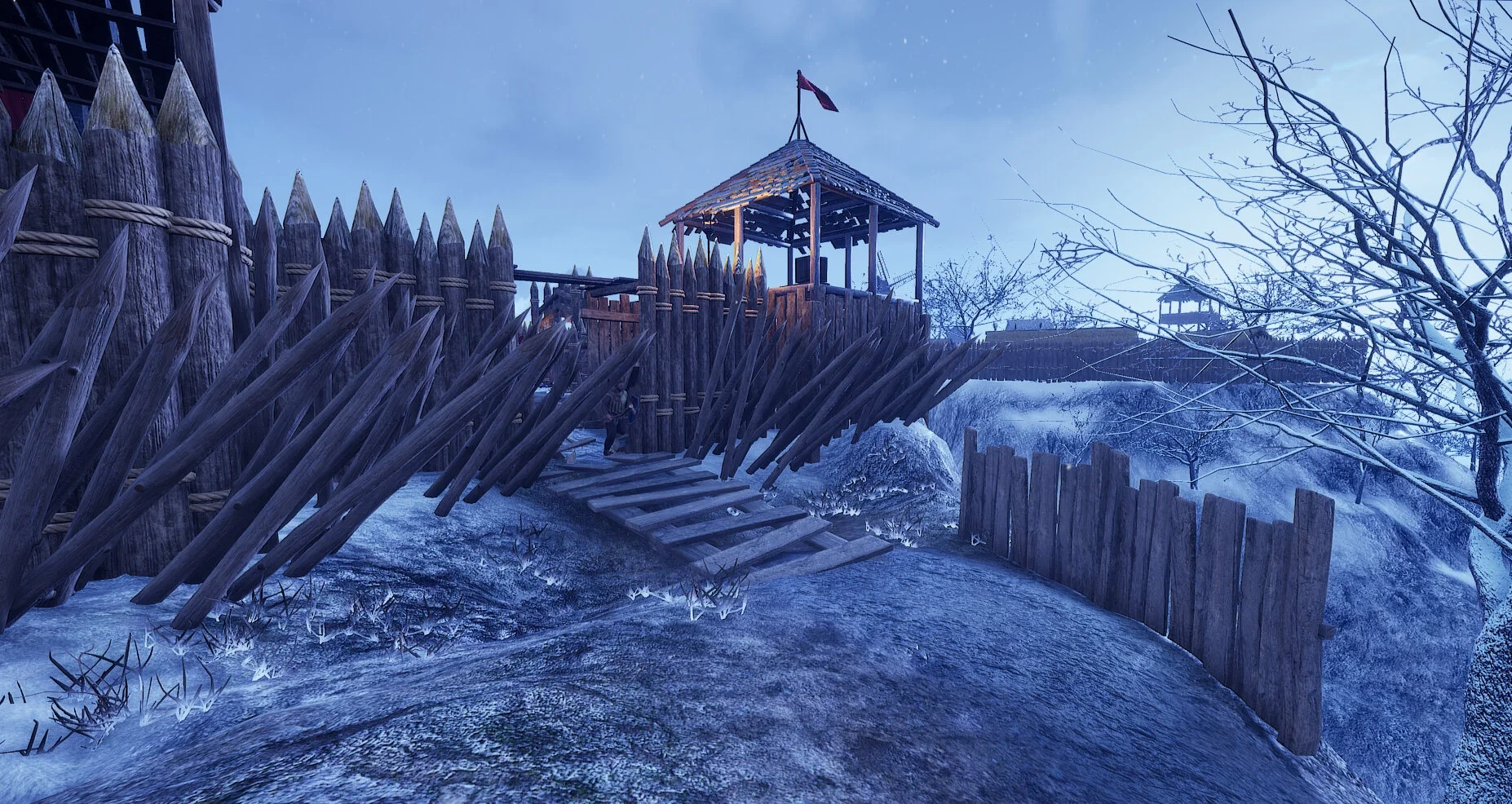
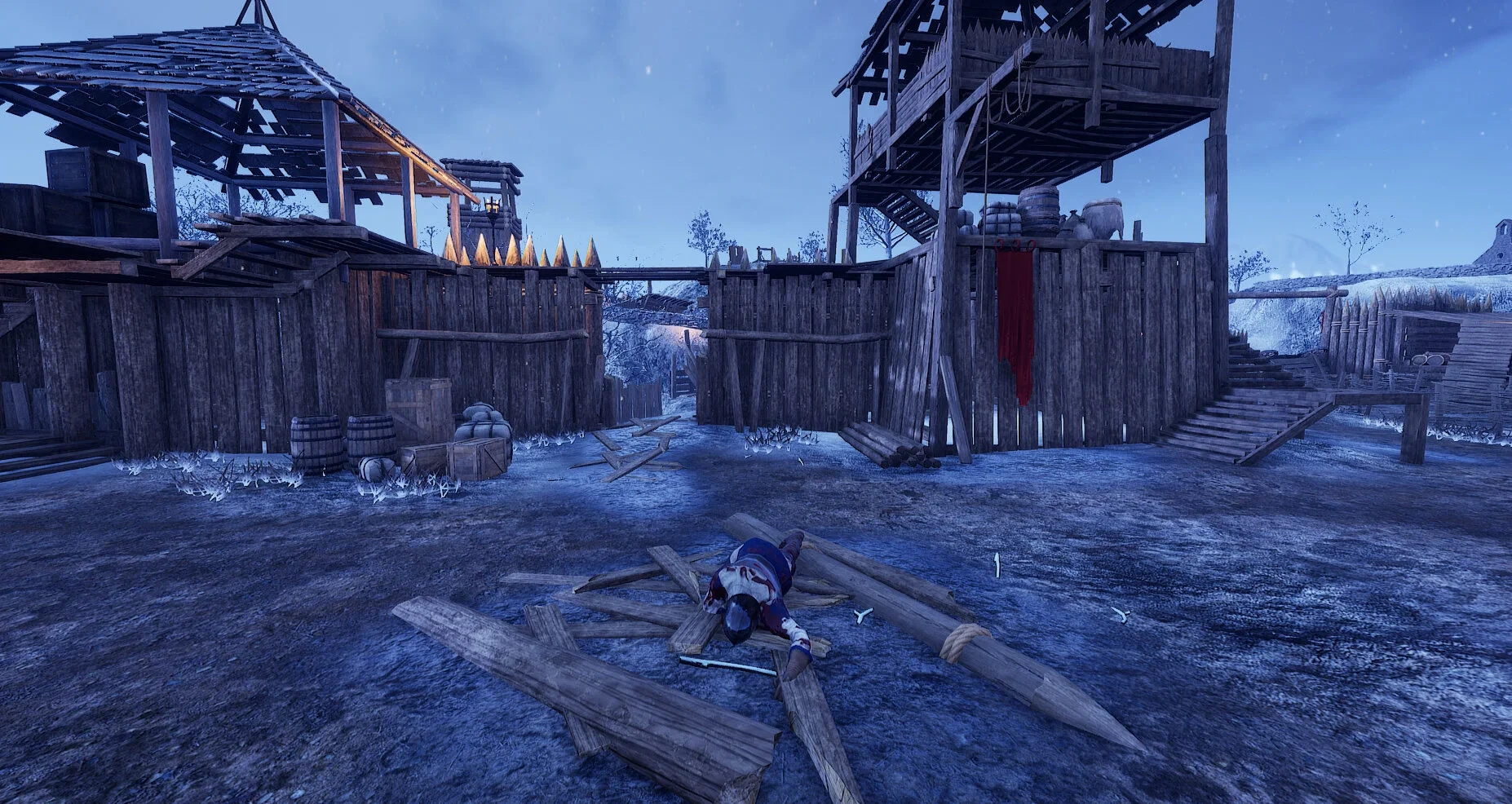
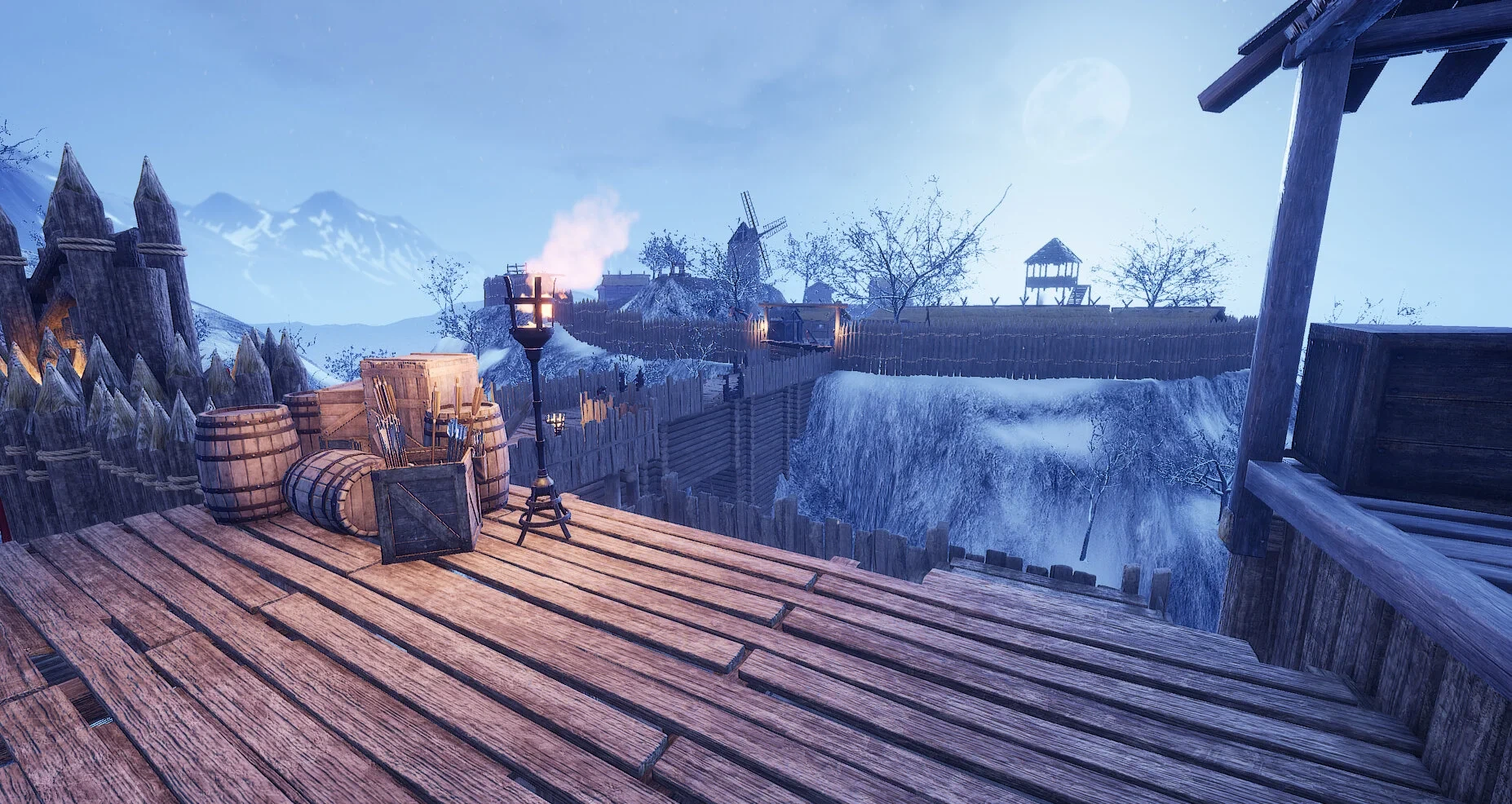
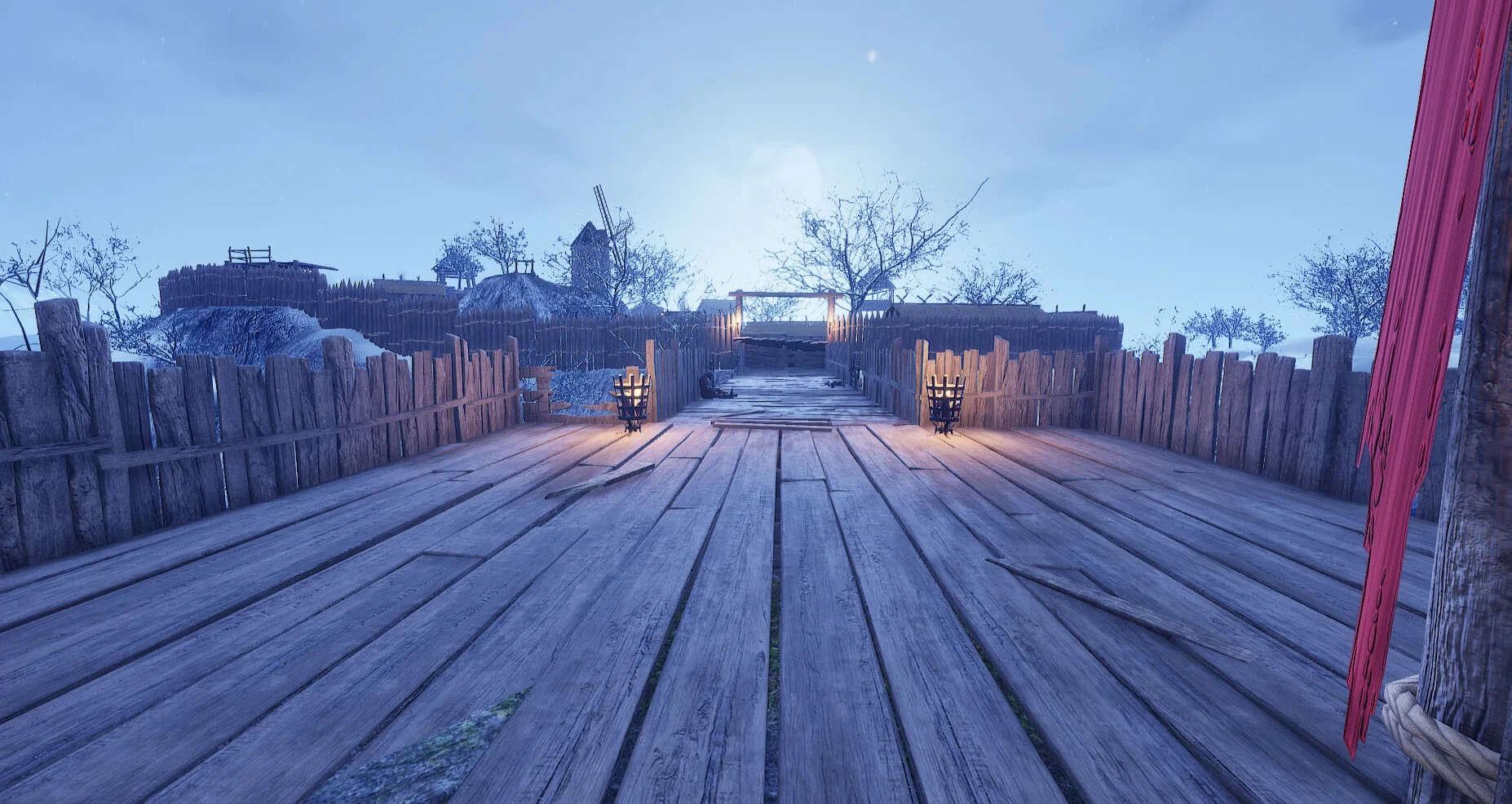
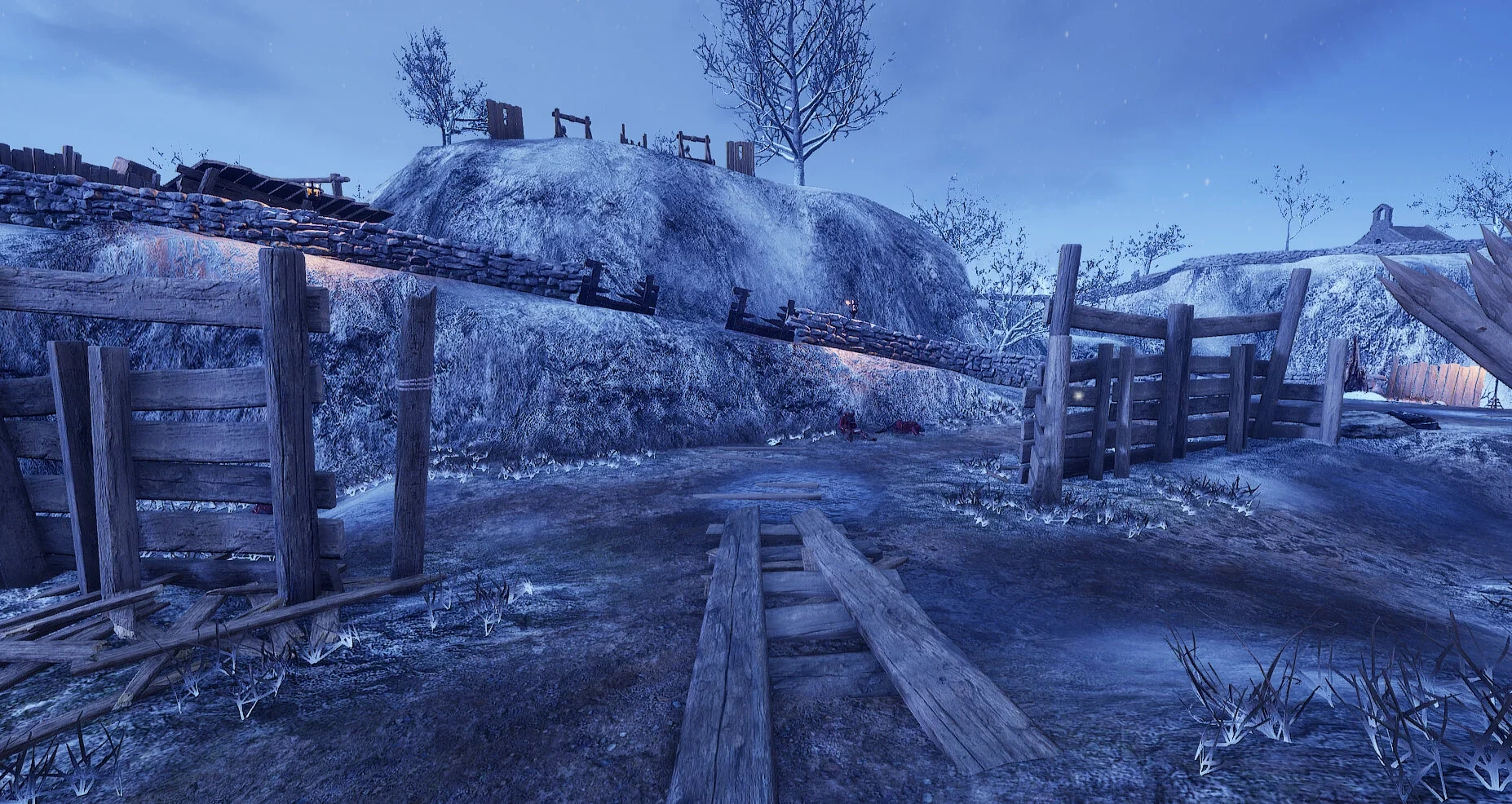
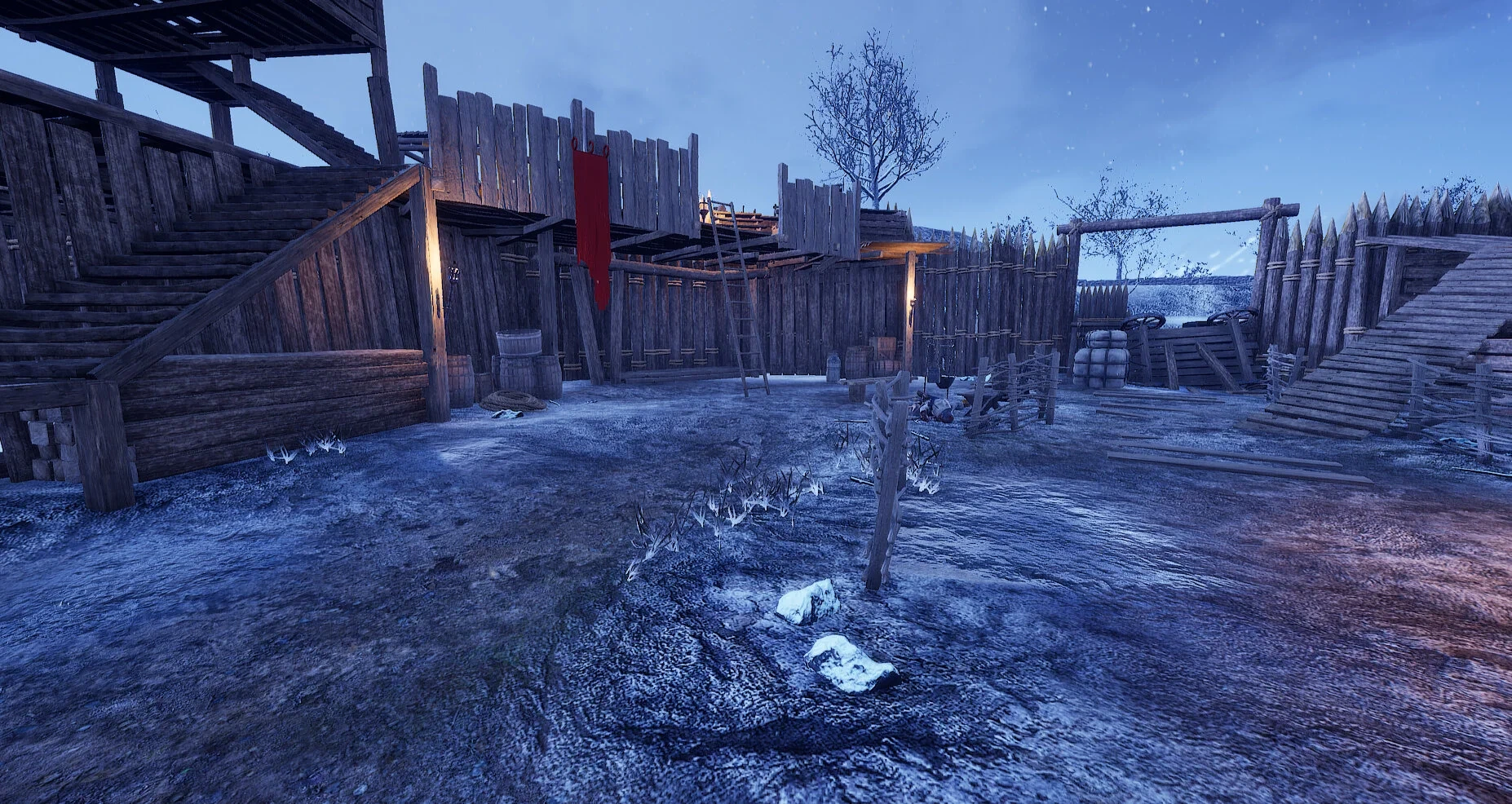
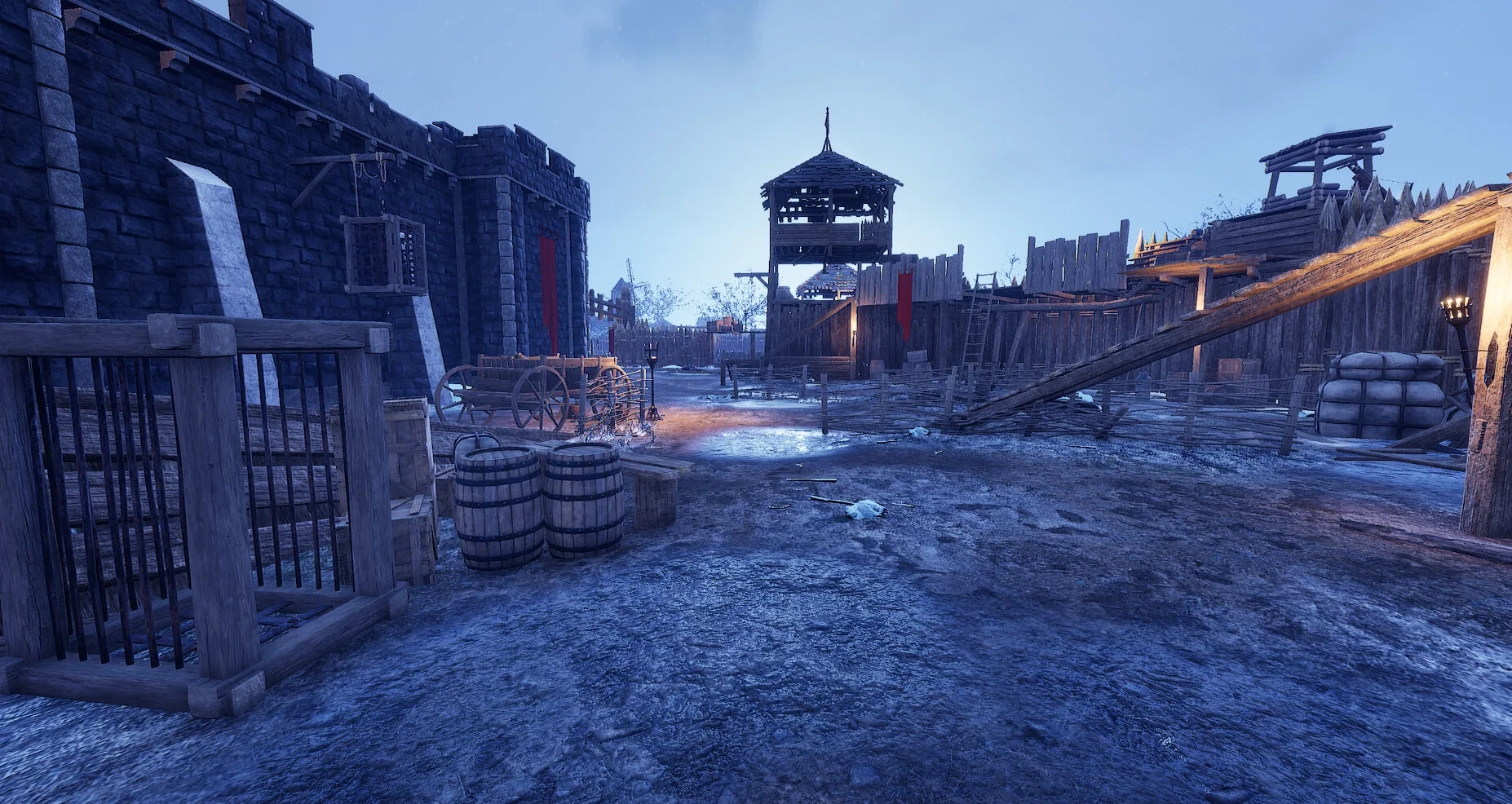
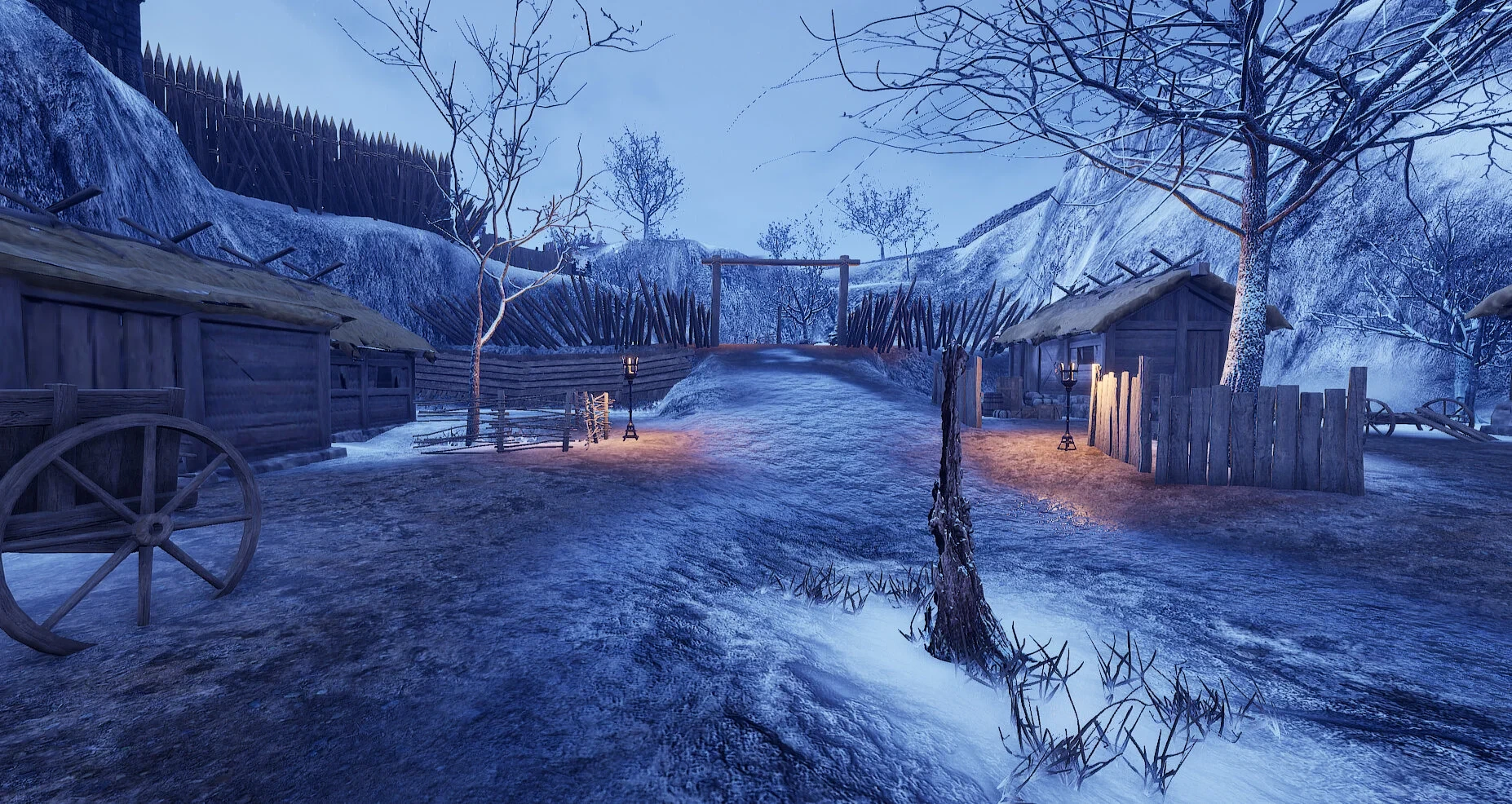
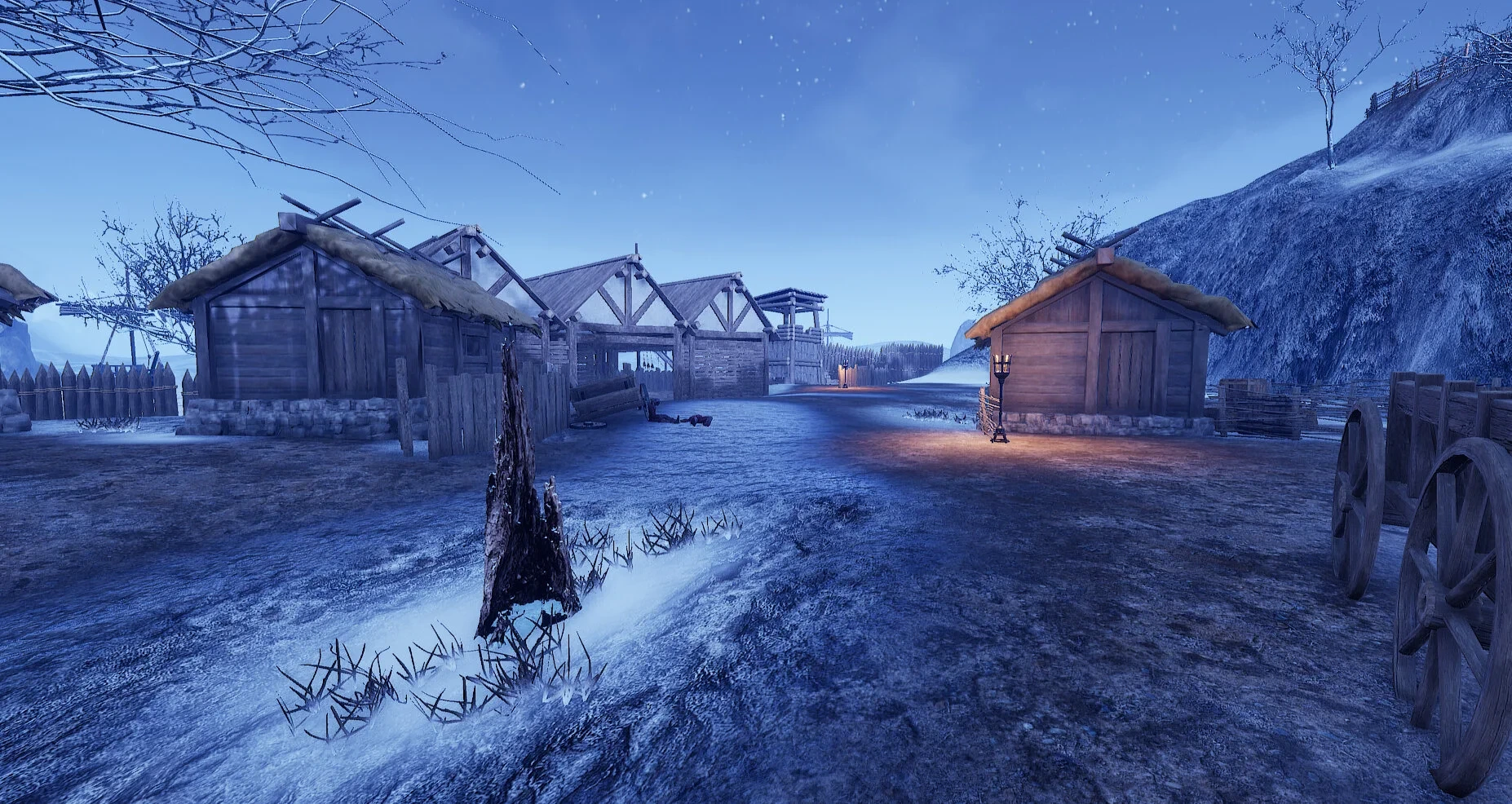
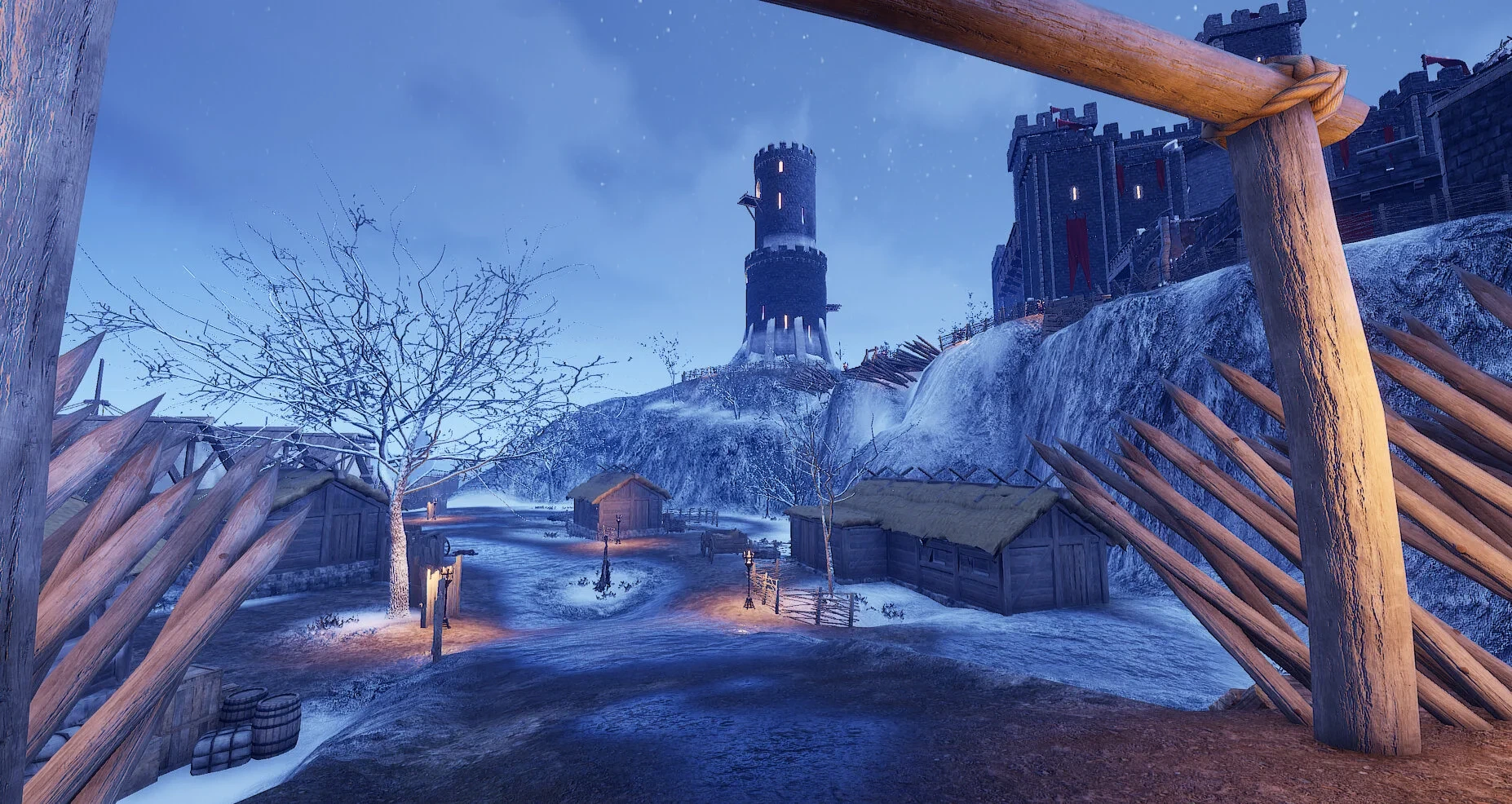
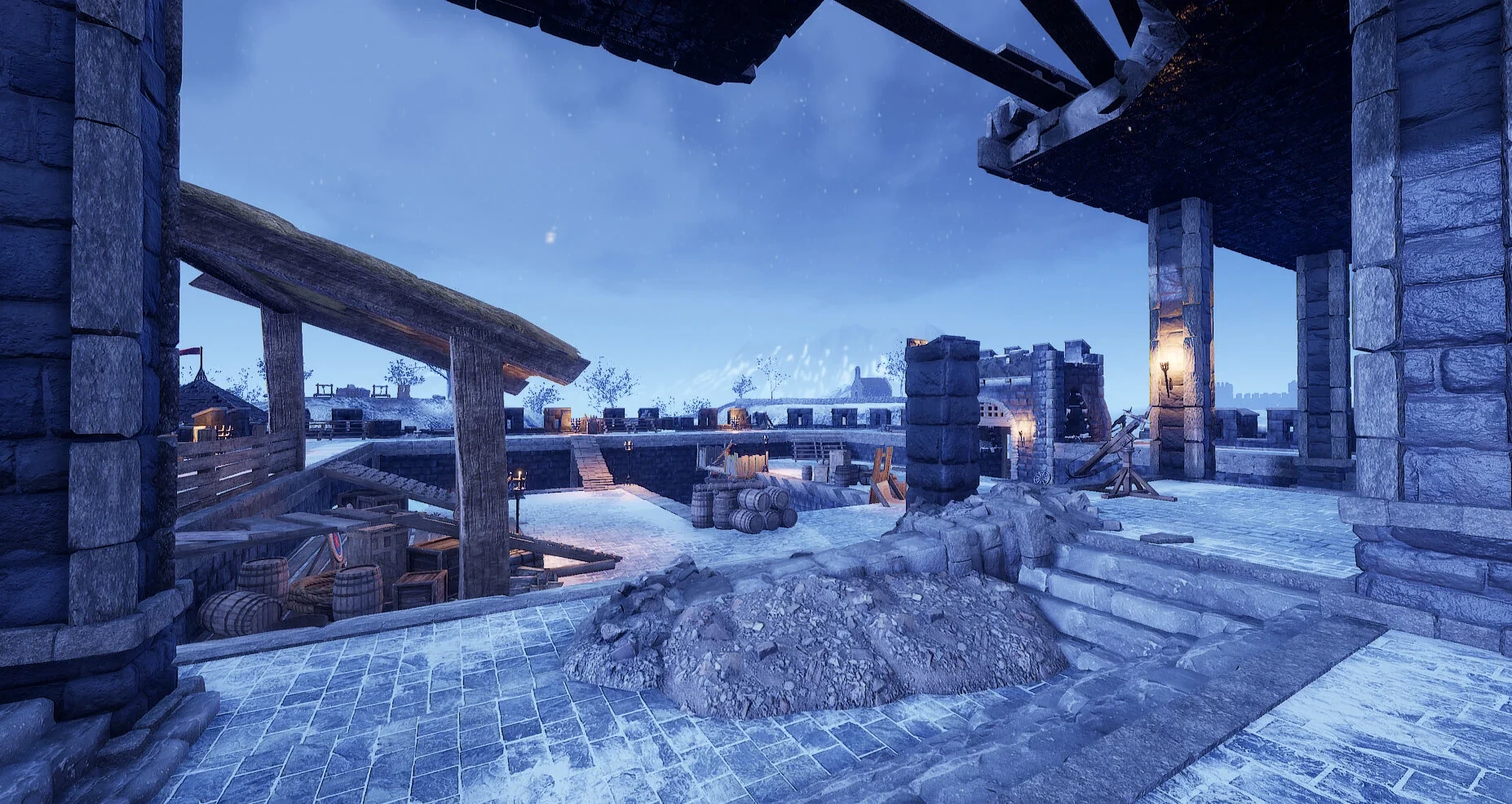
Winters End is a custom horde map made in UE4 using the unofficial SDK for Mordhau. Players have to survive 21 waves of a variety of different enemies, with each wave being more difficult than the last. Players start with no equipment and earn money for each wave survived and for killing enemies. They then can upgrade their weapons and armor, getting stronger as each wave progresses. Below is a short video looking around the level.
Design Process
To begin with, I played the Horde game mode and researched existing Horde maps to get an idea of how they are played, as well as look at any common aspects of the design of the maps to help me start to plan my own level. A few things I noticed, in particular, was making sure there are little to no dead ends - the gameplay is a lot about kiting the enemies due to the large amount that the players have to deal with. Another thing I noticed; verticality was really important, allowing players who like to use ranged weapons from high ground to thin out the crowd of enemies before engaging in close quarters with them seemed to be a common strategy. Also, ladders could easily be abused especially in cases where a ladder was the only option to reach a certain vantage point - the AI could get stuck on the ladder and they were also extremely vulnerable to attacks when climbing the ladder, so there needs to be multiple traversal options to reach a high point.
Collecting reference
With that in mind, I started to plan out my level. I liked the idea of my map being set in a wintery castle with multiple layers of defense so that players could fall back to the more inner defenses (and eventually the interior of the castle) if they are being overrun. Before I started to sketch out a plan I collected some reference images (which I don’t take credit for) for some ideas on the atmosphere and general look of the level. I looked at multiple castles and also collected some interior shots of a throne room.

Blockout stage to fully arting
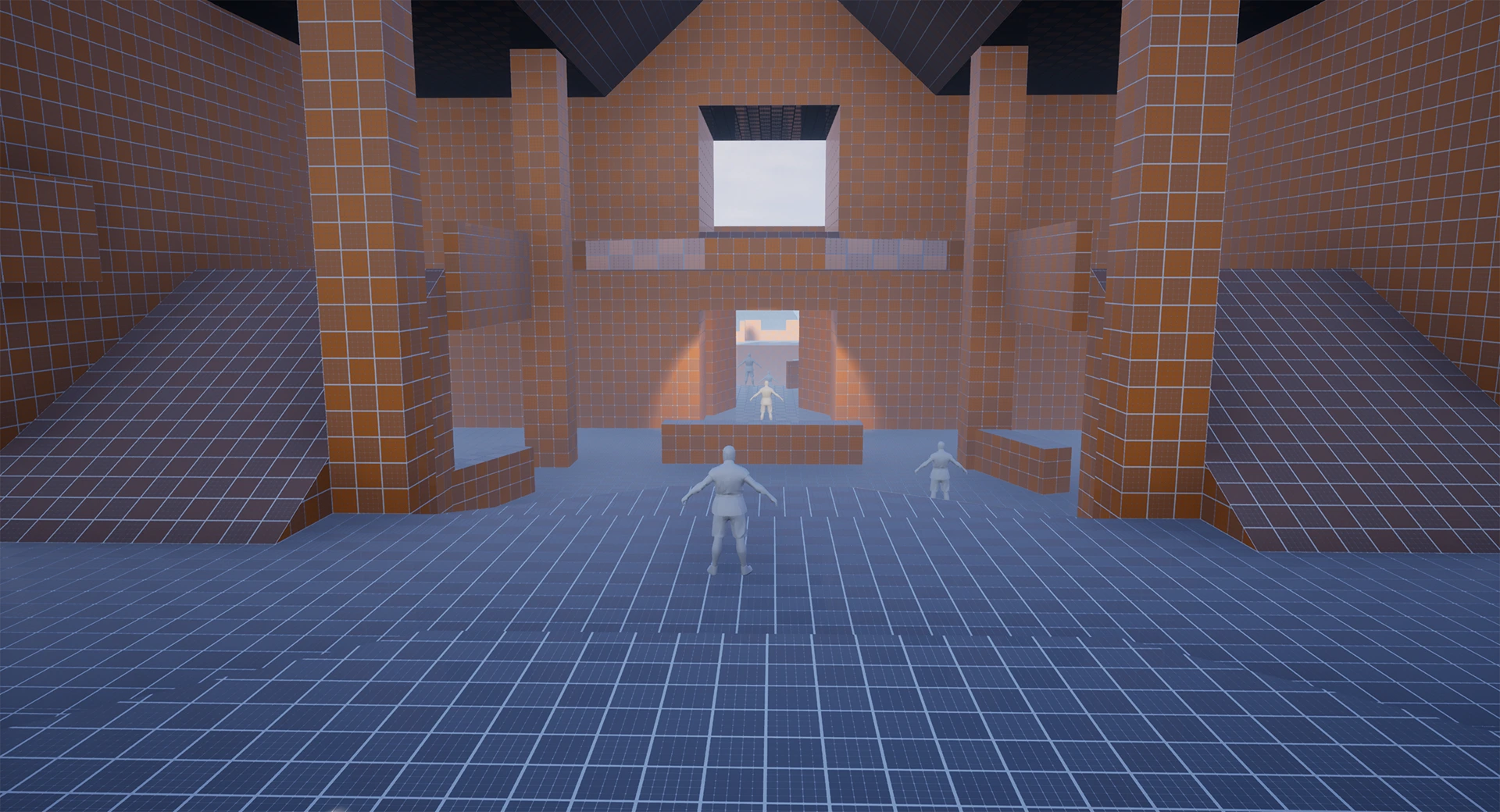
After this, I did some brief sketches of simple layouts, decided on one to use and started blocking it out in UE4. I got to a playable state with the blockout and started testing the gameplay in Mordhau. There was a certain workflow I had to adhere to in order for it to be playable within Morhau so it took some time to set up. My first blockout didn’t go exactly to plan - my mistake being having too many places the horde can spawn from and having too many routes into the castle made it quite hard to defend. So I took a lot of the horde spawns out and also blocked some paths off. Also the enemy AI could get easily stuck on each other (for example, a ranged enemy gets a target, stands still and fires at them means the melee AI behind them get stuck if there isn’t a lot of room in front of them) so I widened the choke points a little and added multiple ways for the ai to navigate around (such as using Nav links so they could drop from high places). Eventually, when I was happy with how the level played out and I got some feedback from other people - I moved onto adding art to the map. Below are some screenshots of the first blockout and how it looks after I added the art in.
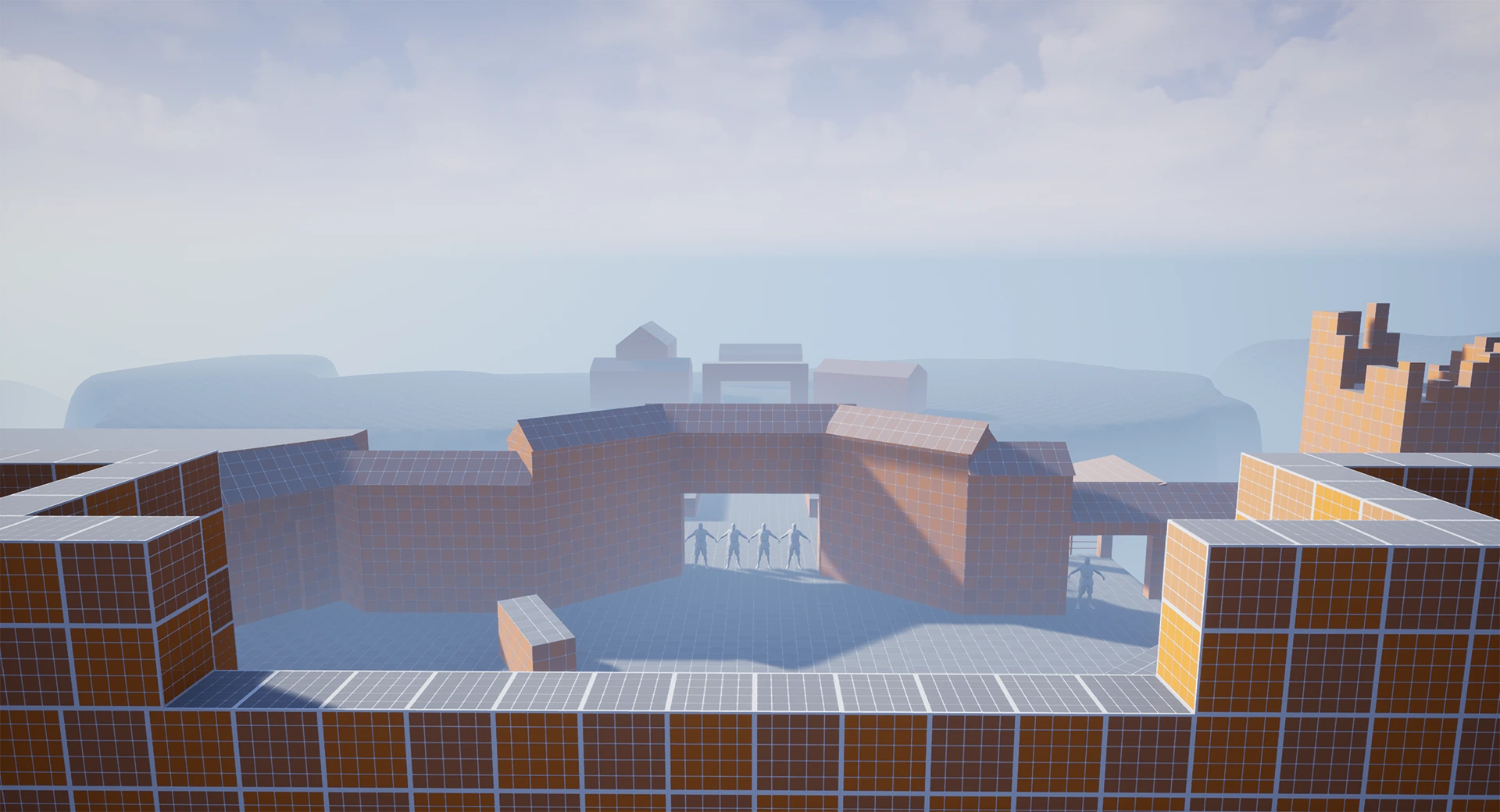
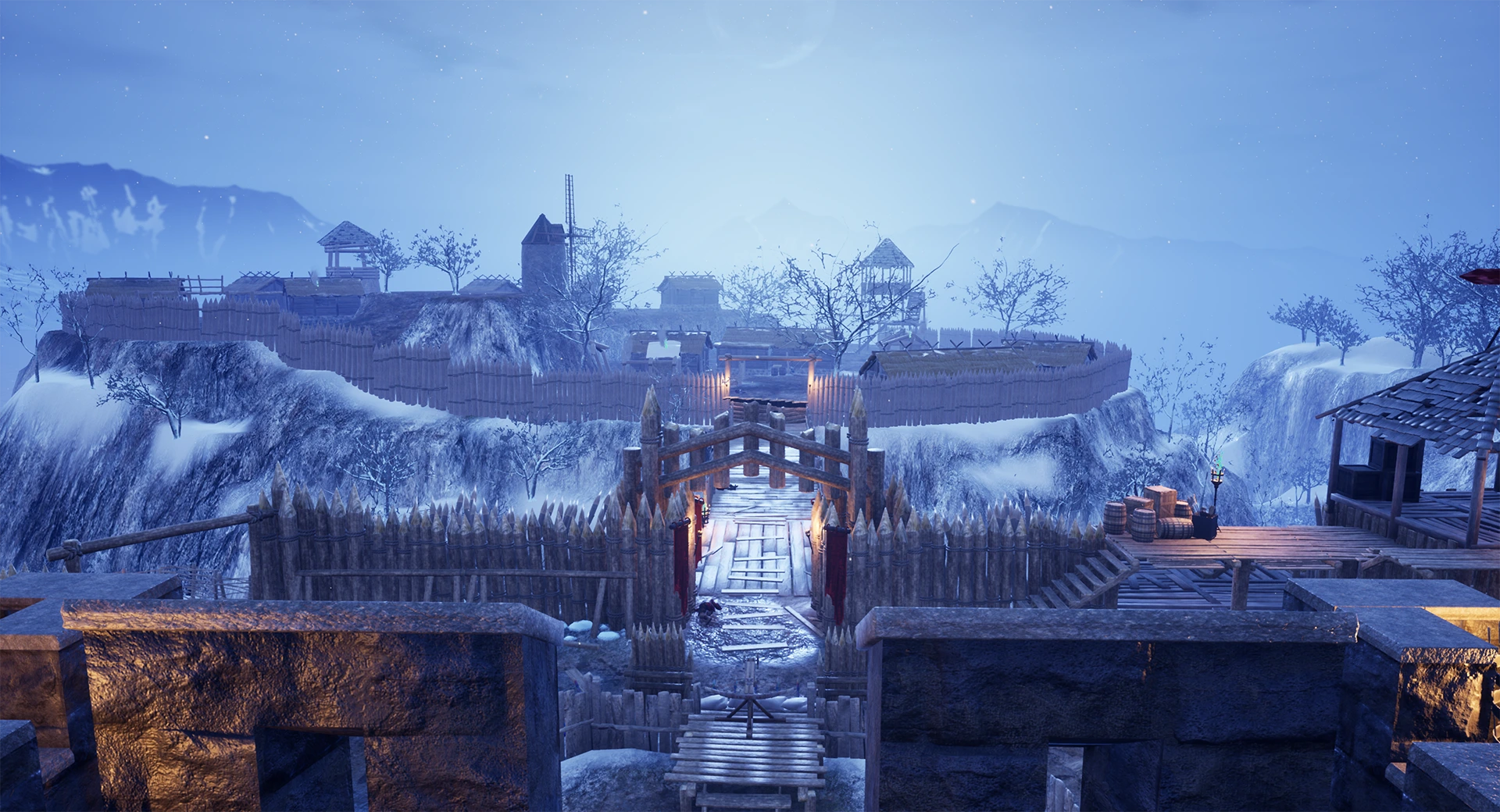

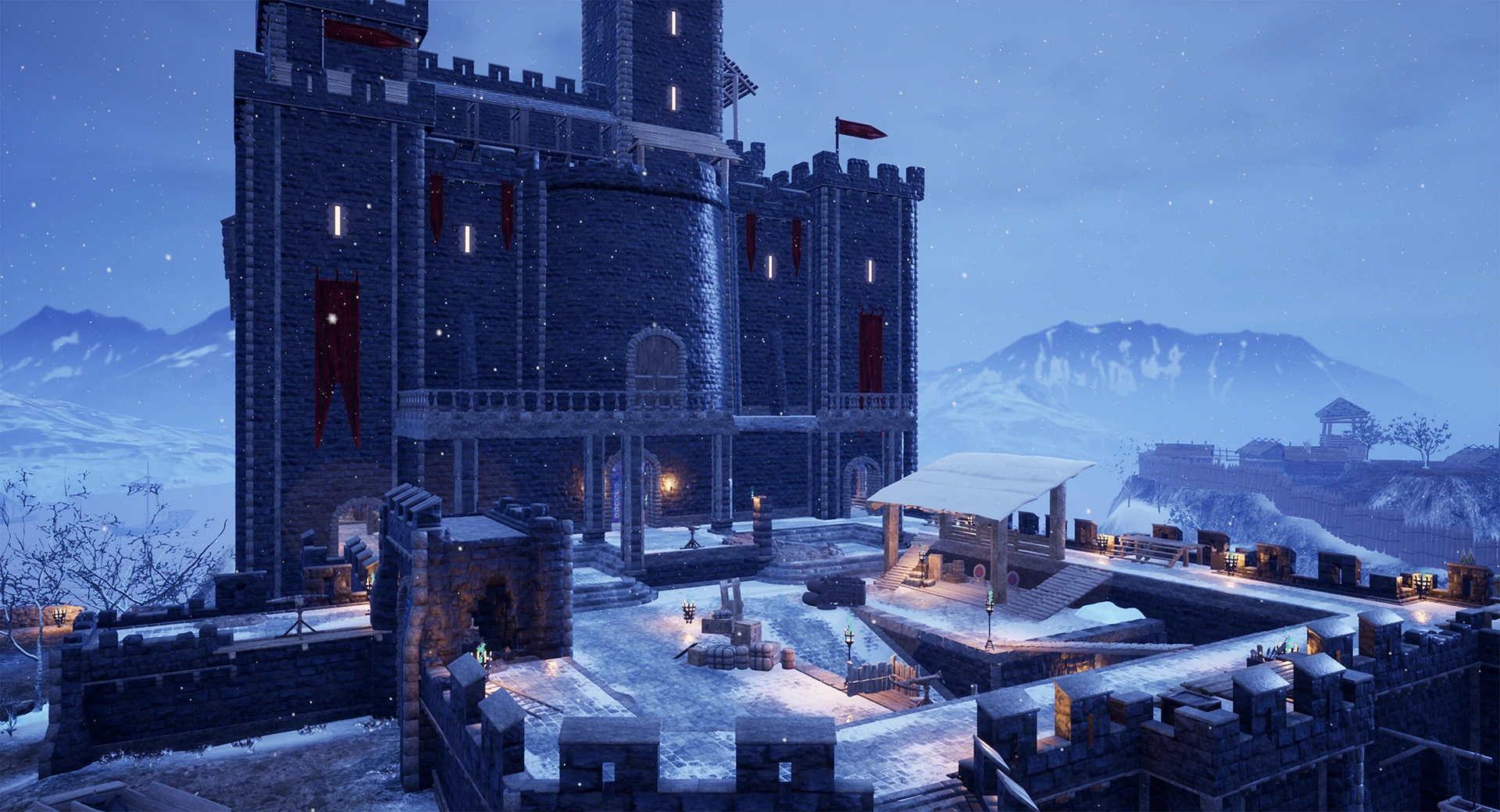
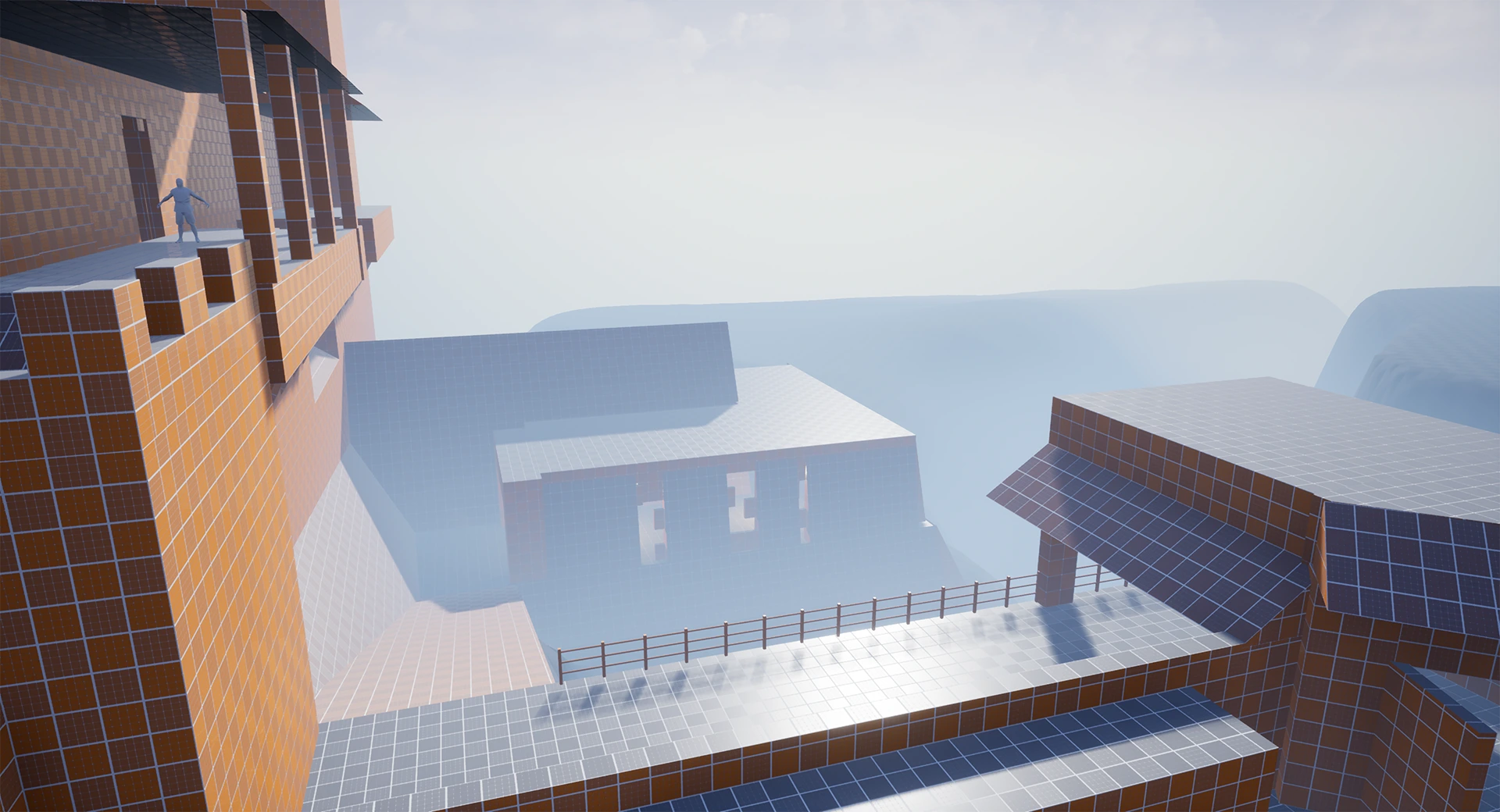
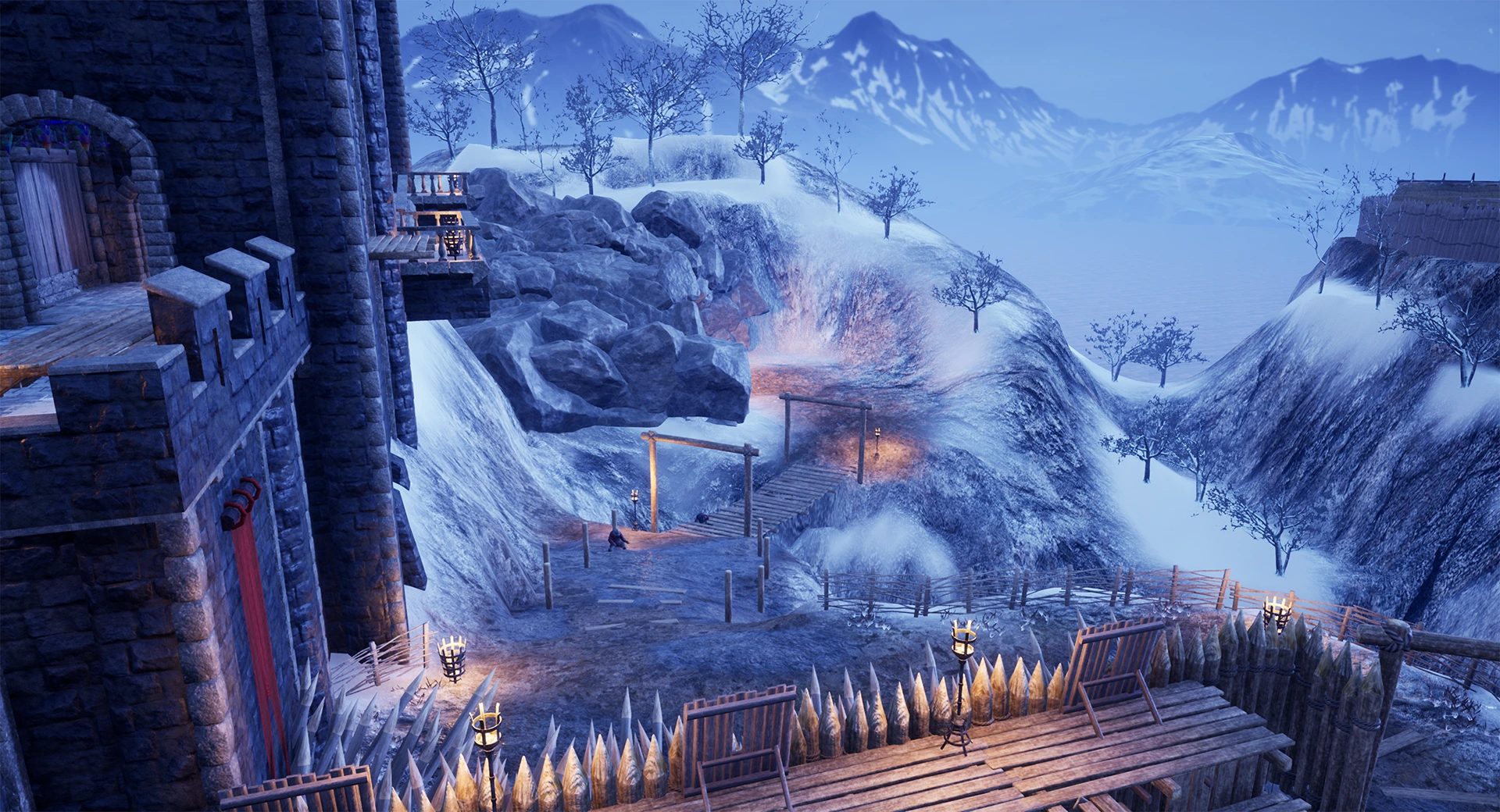
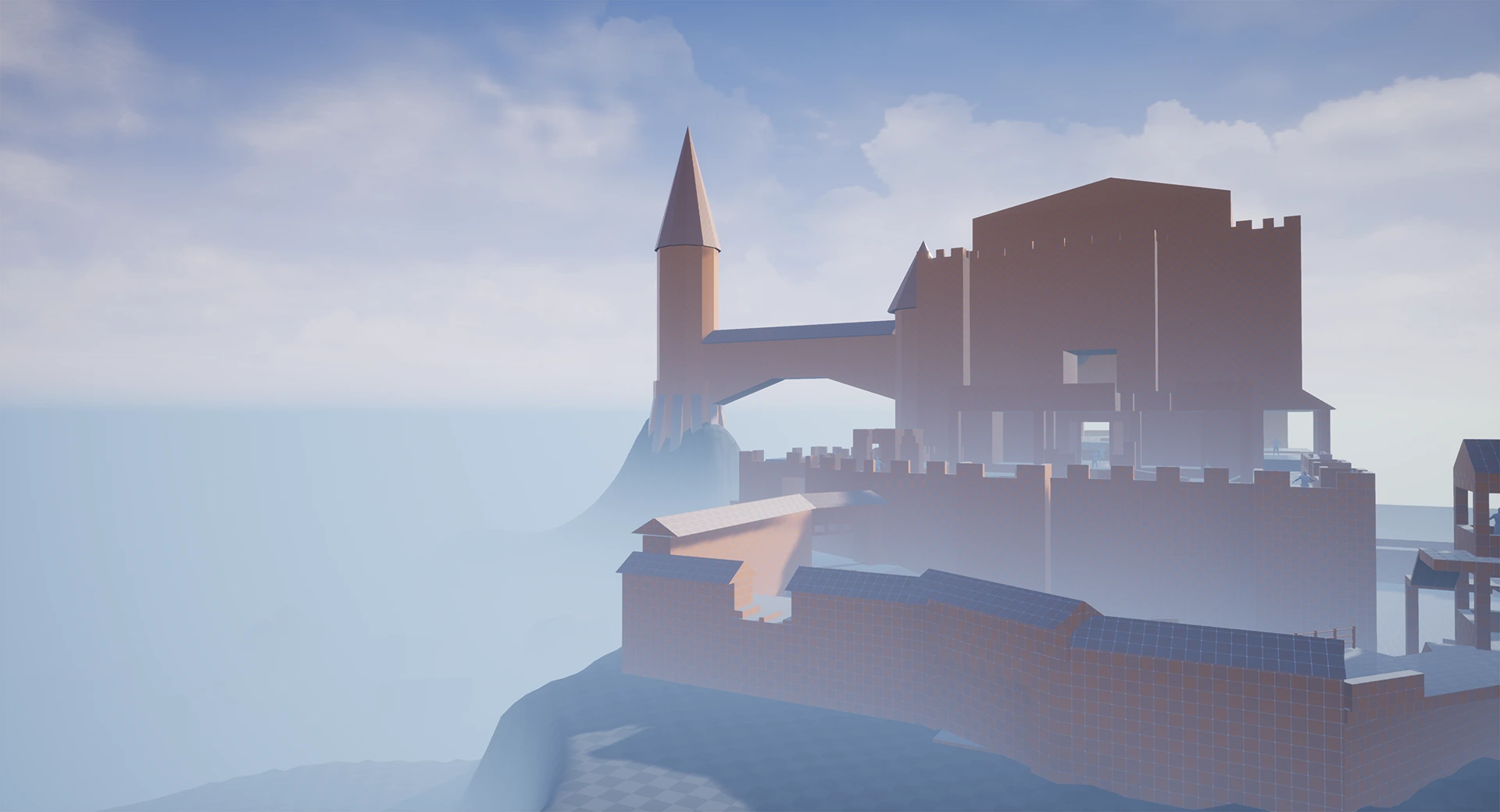
My original intention was to have it really foggy, but I got a lot of feedback saying that I should tone it down a bit so eveything is clearer.
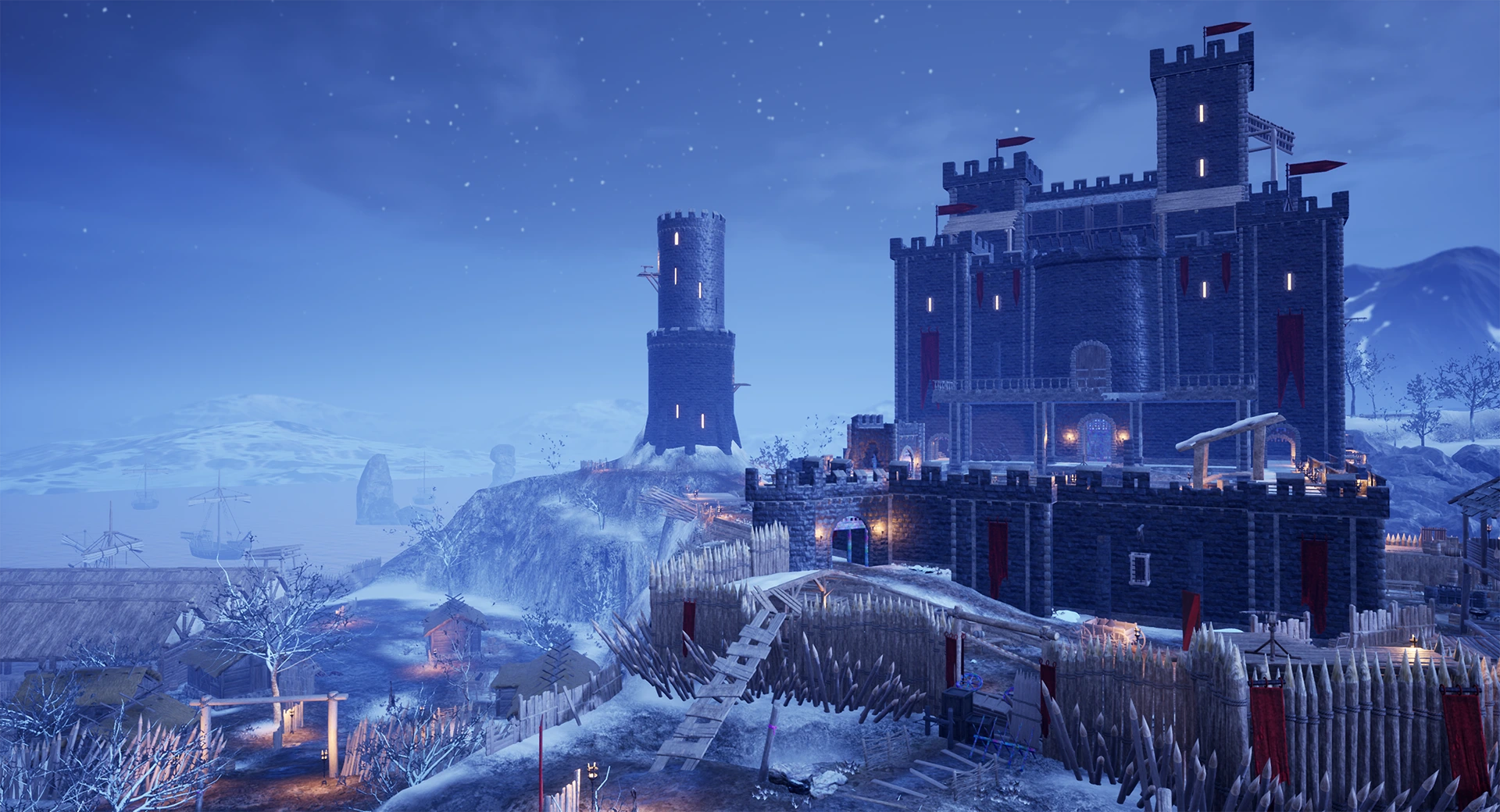
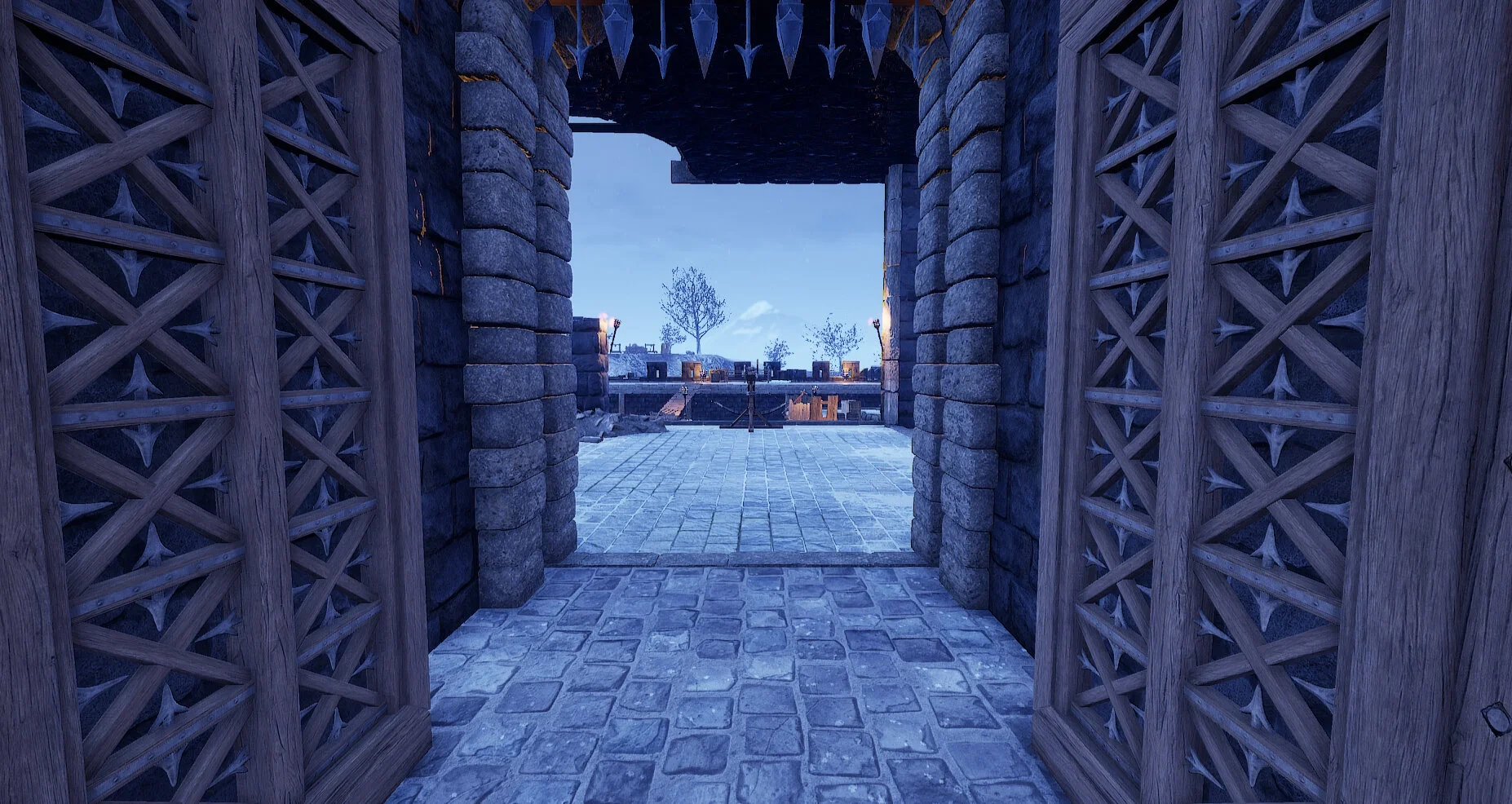
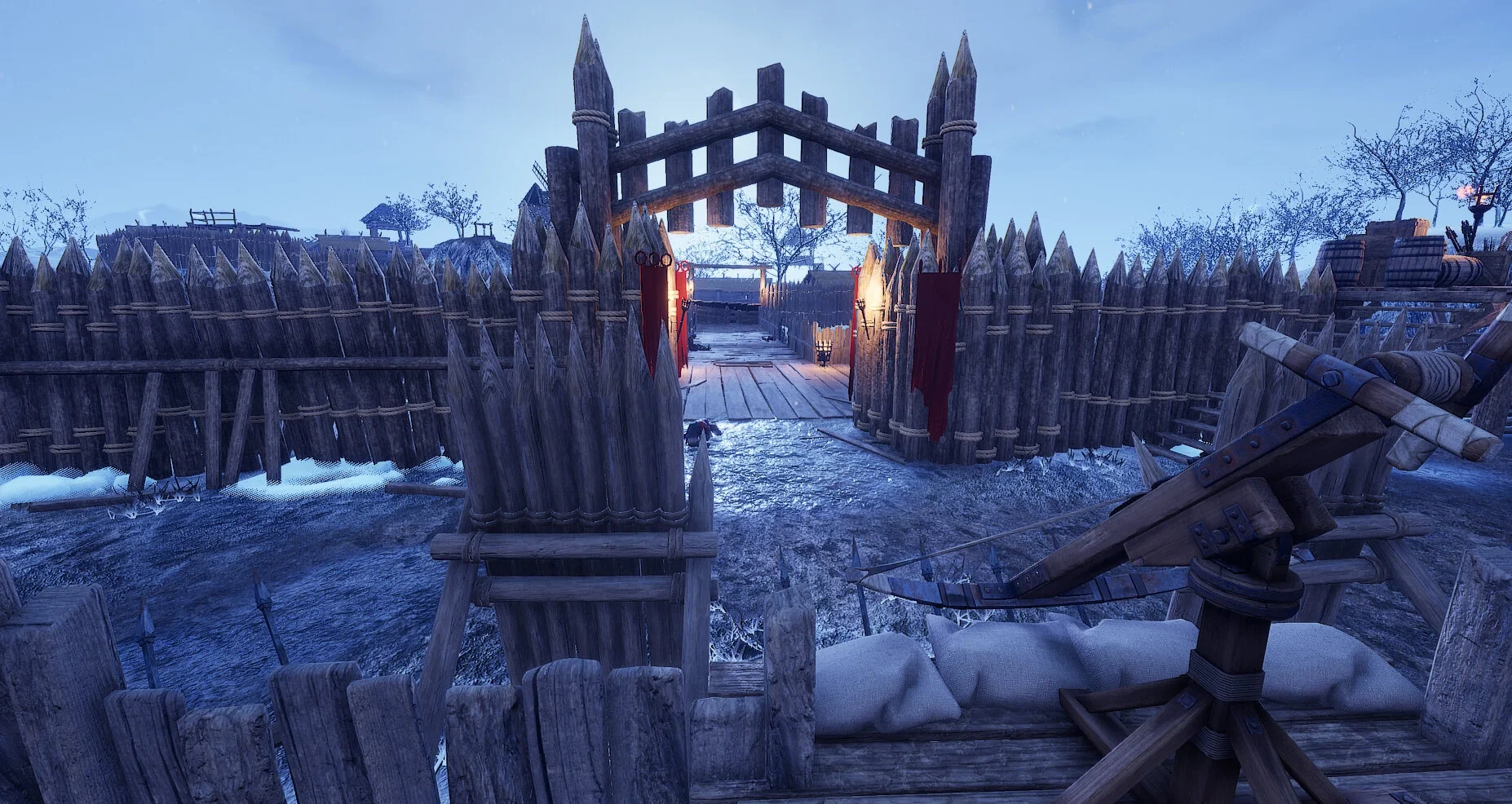
Here you can see there is a lot less fog, and I ended up making a harbor in which the enemy horde spawns. (originally I was going to have the enemies spawn in the fog)
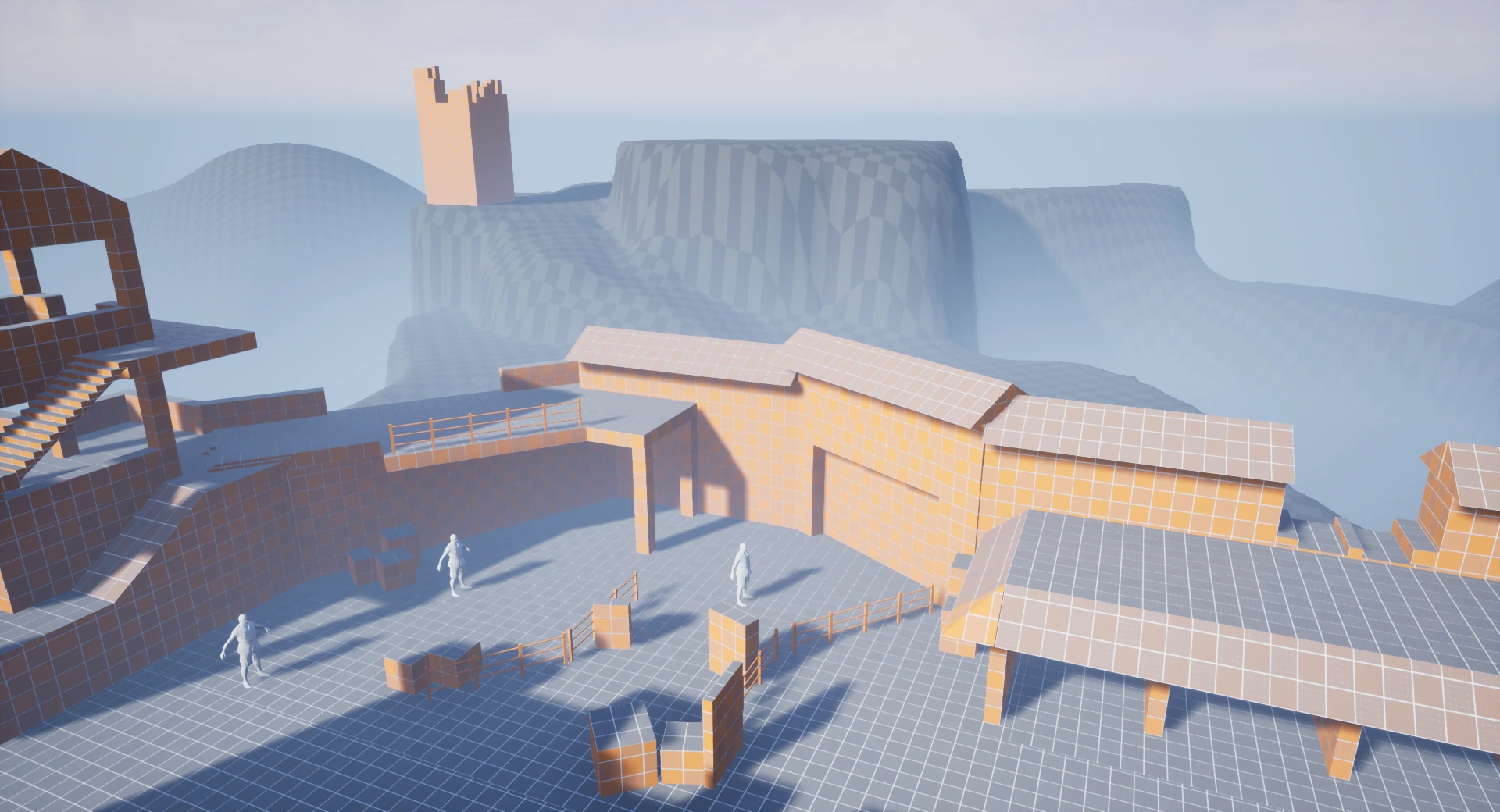


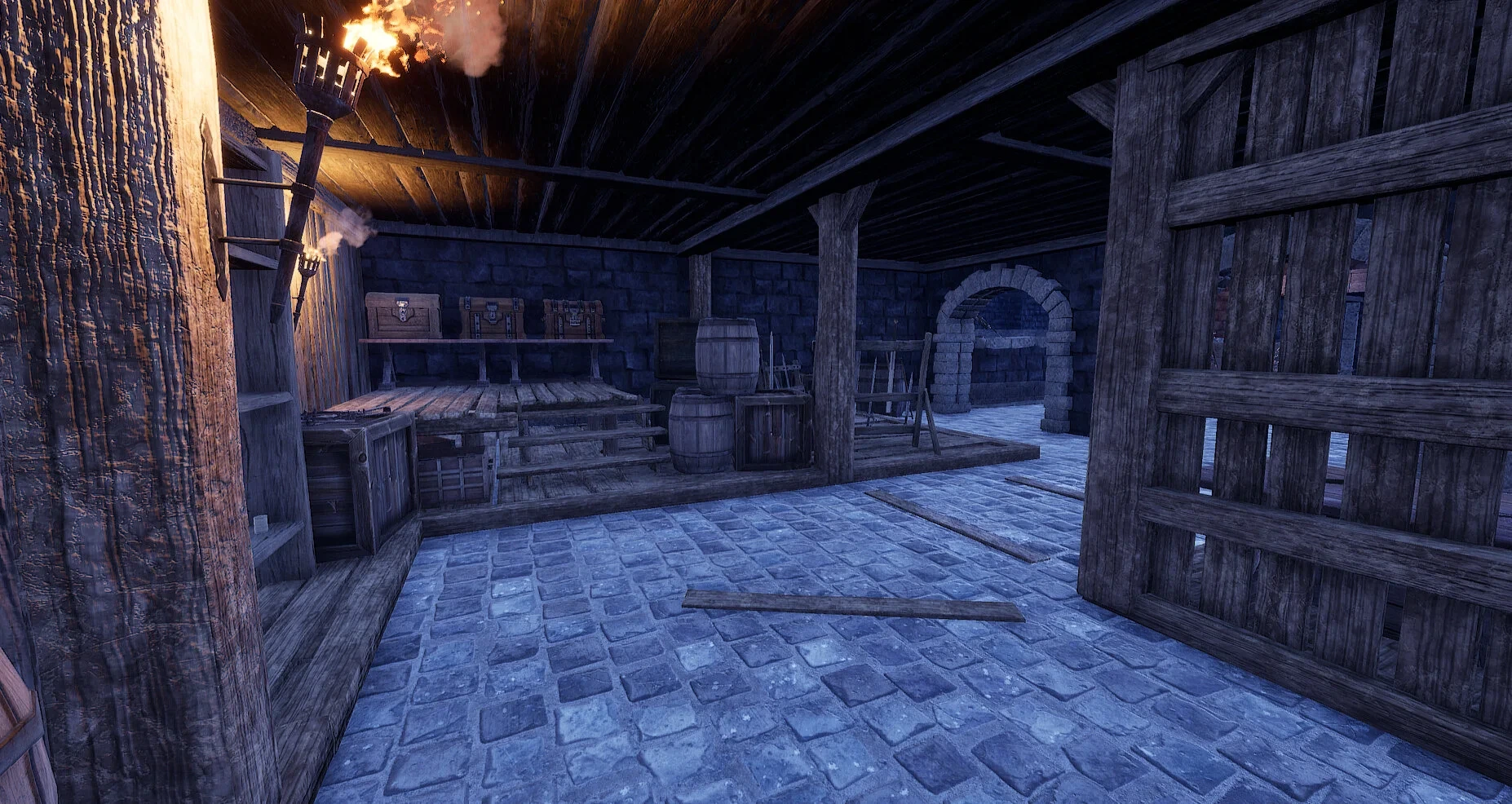
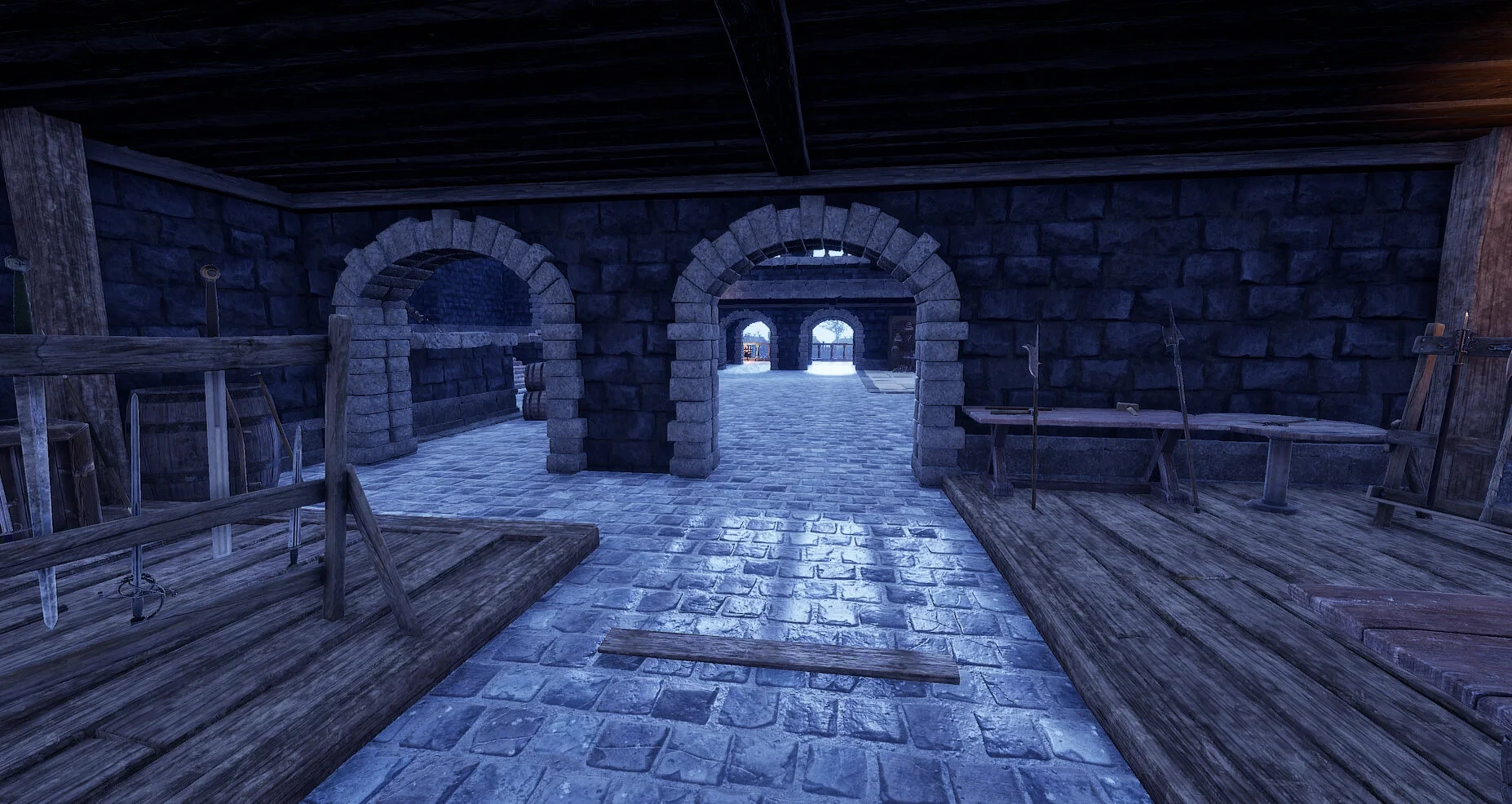
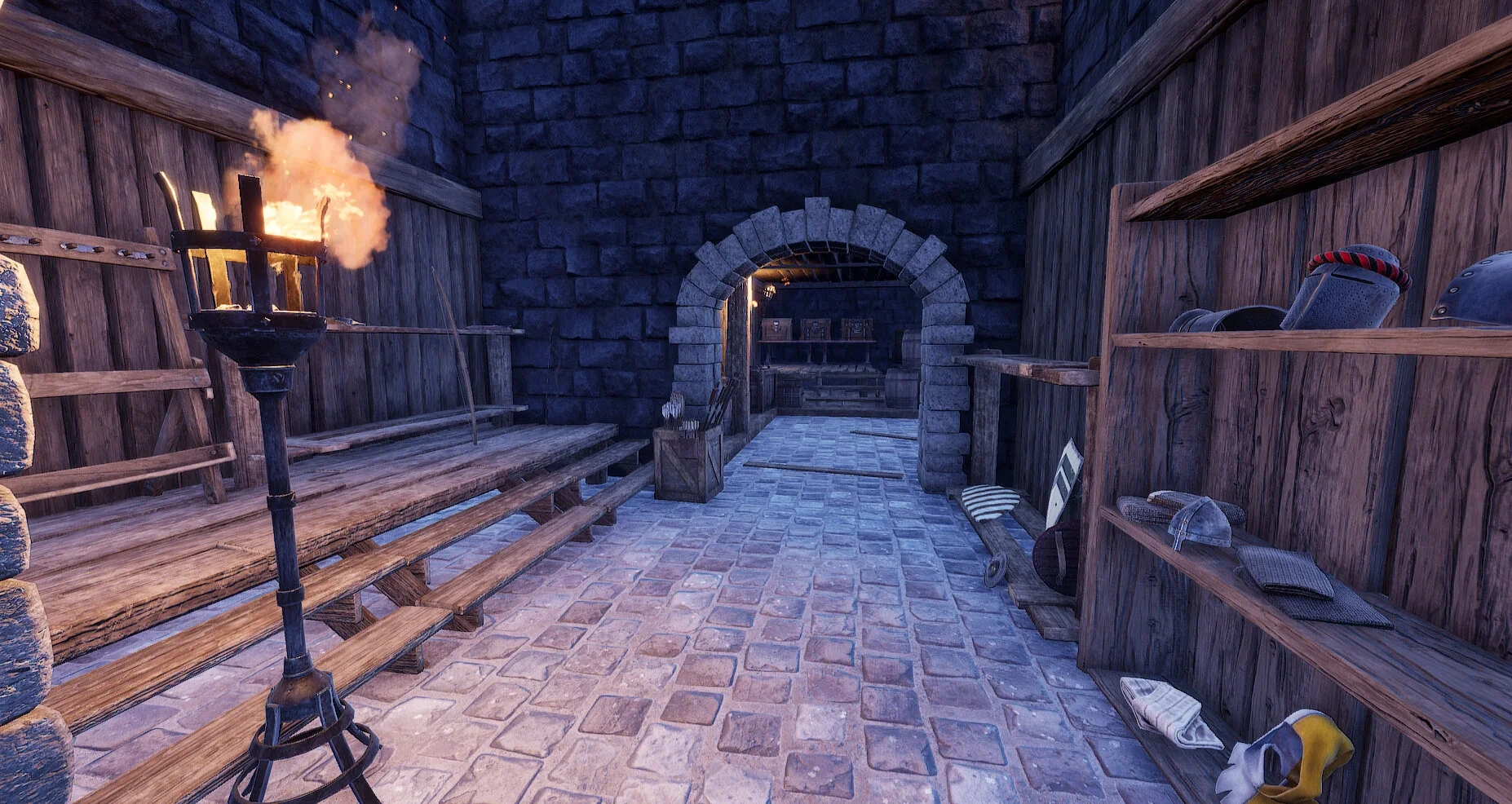
One of the biggest changes and what was also a last minute decision was how the players would find get their weapons and armor. In the official Mordhau maps the weapons and armor were scattered around the map so players would have to find the item they wanted (as well as have the appropriate amount of money). Originally that was my decision too, however, I decided to put in an armory near to where the player spawns were which held all the armor and weapons - so they always knew where they could go to buy new weapons and armor. I scattered ranged ammo throughout the level too so if they ran out they wouldn’t have to run all the way back to the armory.

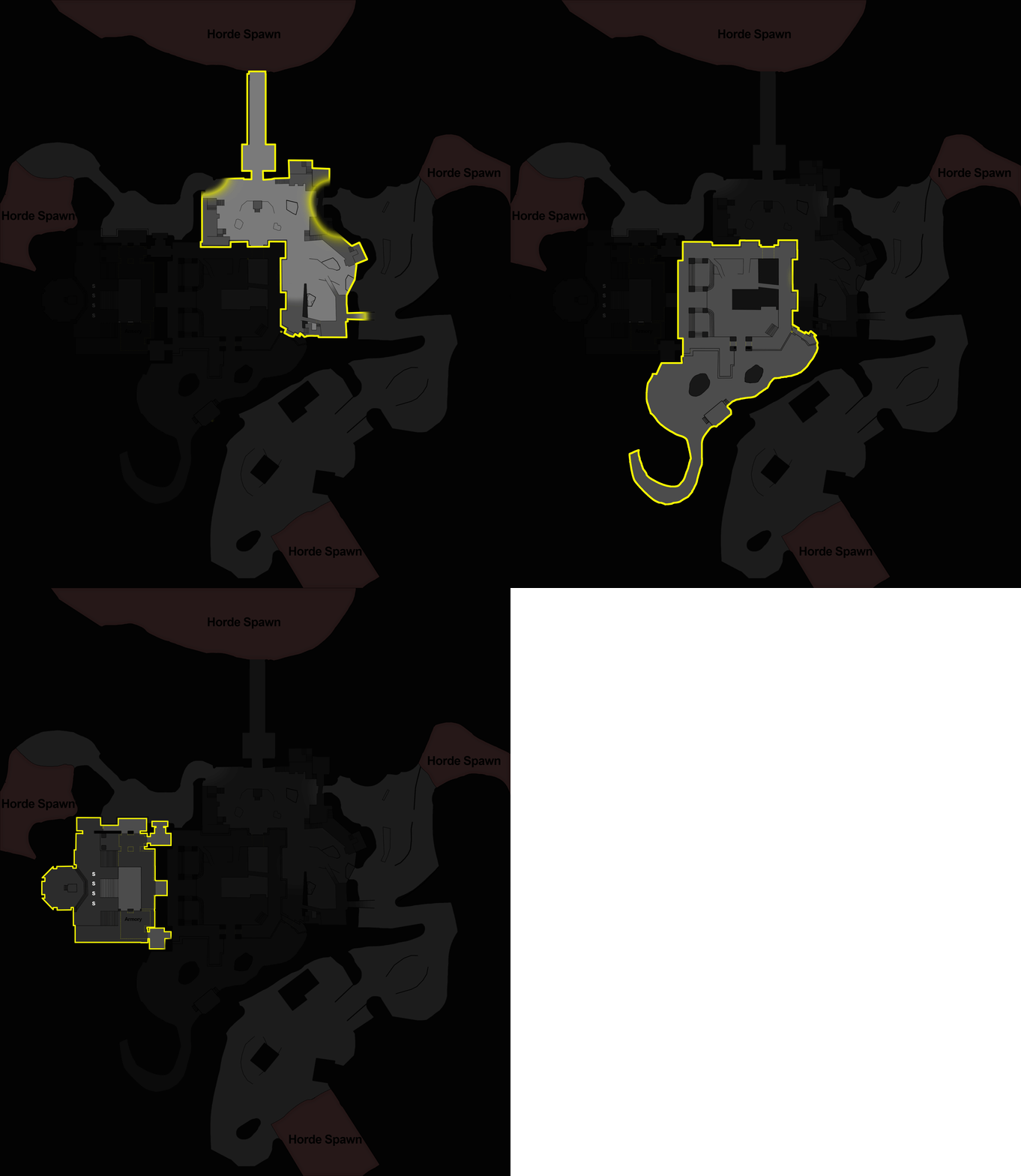
There is still an issue here however as if you are far away from the armory then you have quite a way to run so it’s something to keep in mind for future projects, such as placing it as central as possible. For a clearer idea of where everything is situated below is the top-down layout of the map.

I tried to convey how vertical this map was through how dark each area is on the map. (except the nonplayable area which is nearly black) Generally, the darker an area is the higher up it is. As I mentioned at the start when researching other Horde maps, having a height advantage on the enemy is quite important so I tried to put that into practice on my level. I also had an outer defence, inner defence, and eventually the interior of the fortress as different levels of defense. You can also go outside these defences but it is risky and you can easily be surrounded. For a better representation of the different levels, you can see a gif below.
Another Idea I had was that at the start of each wave, the enemy horde would fire a volley of arrows from their spawn position to signal the start of the wave. I played around with the arrows doing damage to players if they were hit with them, but as the volley was quite quick and spawned from random places I didn’t want any players going into the wave with low health by something that they potentially couldn’t avoid so in the end I added the volley in just for show. This was a particle effect using the arrow mesh from Mordhau and a ribbon trail. I realise the trail is too big and the particle effect could do with some improvement but I got to a point where I was happy and at somepoint Ill come back to it. Below is a gif of the arrow volley.

Ballistas/Catapults/Rocks
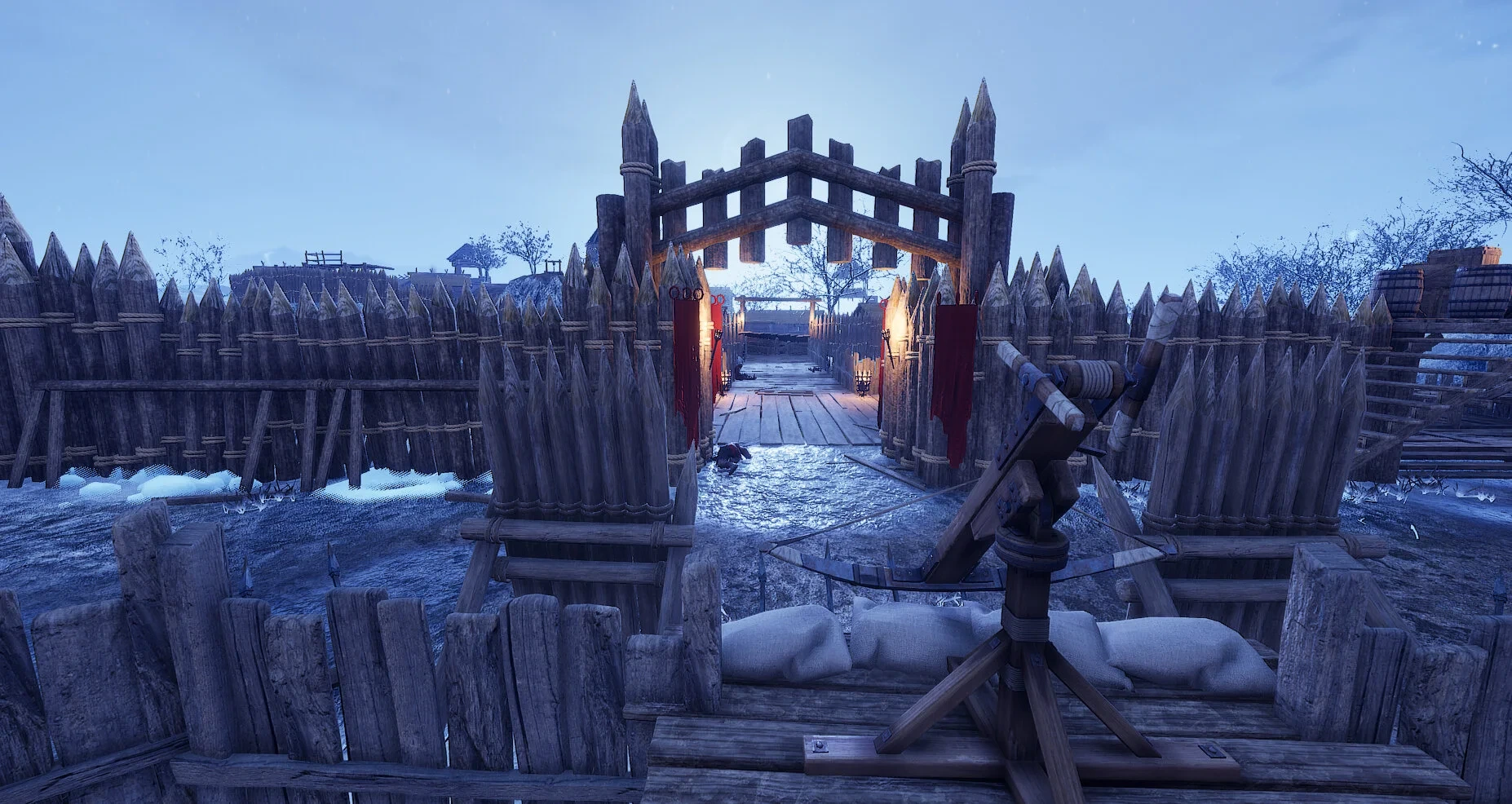
As well as being able to buy weapons from the armory, I added in a lot of other ways to dispatch enemies. This came in the form of static defenses, such as Ballistas and catapults, to items you can pick up such as rocks to throw. The catapult can be very powerful so I only implemented one into my level, and you can only really use it at the start of the wave as once they close the distance it becomes useless. I added ballistas throughout this level, they are really strong in narrow spaces as they are able to pierce multiple enemies. The only issue is their reload time is long and whoever is using it is extremely vulnerable. Generally, the ballista is placed in an area where they can easily get flanked in order to promote teamwork from players as well as to not make it too powerful.
This is an example of a ballista placed in the level to take advantage of a narrow bridge, given that it can pierce multiple enemies it is in a strong position. However, it’s also placed in a vulnerable spot, the player that is using this can be flanked from either side so needs help from other players to be able to maintain this position.
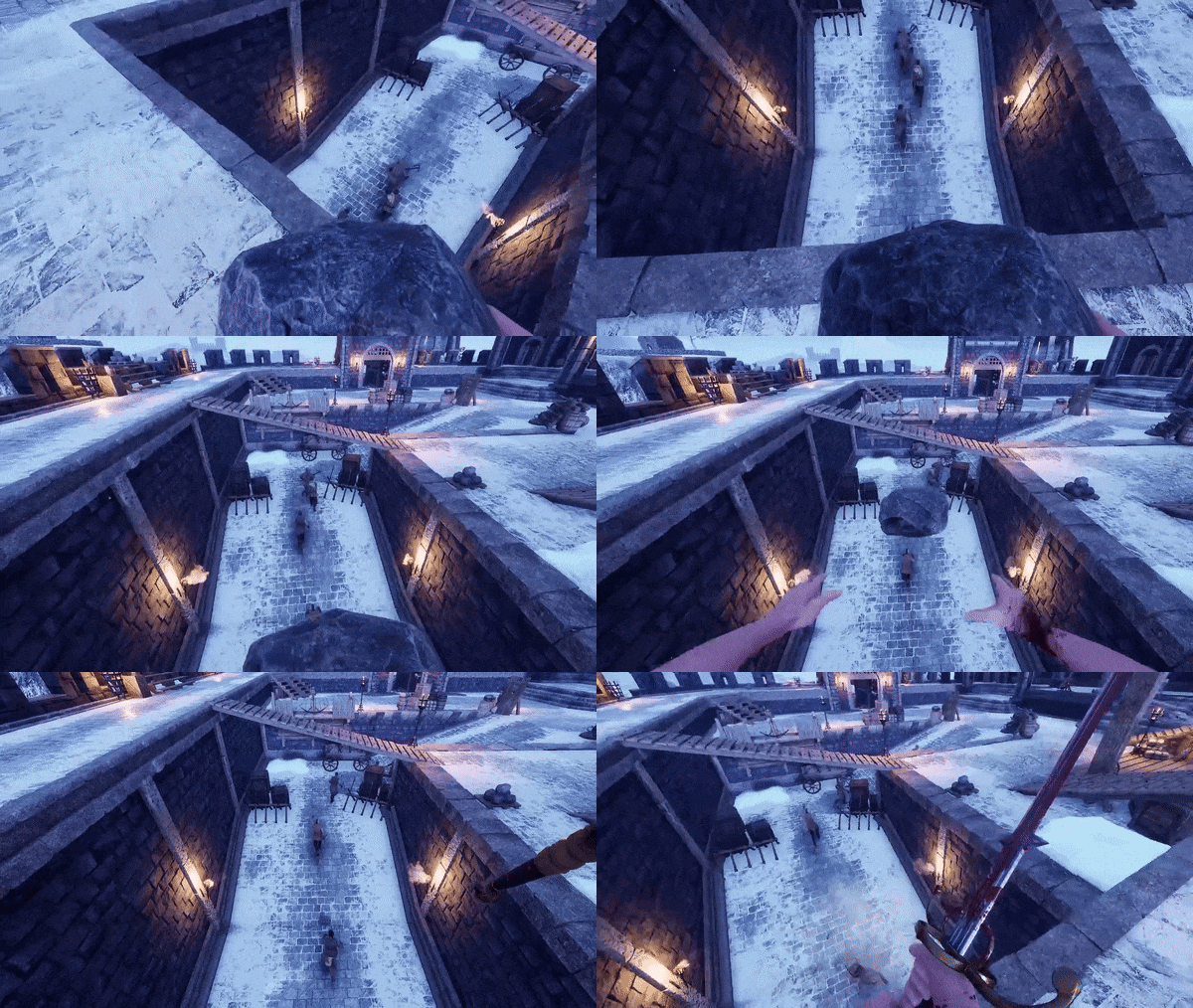
Another weapon they can use for free are rocks, they are placed along the perimeter of the castle and have unlimited ammo. They are only really effective when throwing them from a vantage point (for example, they do less damage if thrown at an enemy who is directly in front of you) and can be hard to use.
Optimisation
There was a lot of importance on optimizing the level as much as you could within the Mordhau modding community, they had a guide on what kind of draw calls I should aim for, the size of the level, etc. So I spent a fair bit of time reducing the draw calls by merging meshes, reducing texture sizes (particularly the landscape and foliage textures which I got from the Unreal market place, originally they were 4k textures and I reduced some to as little as 512 which made a huge difference in the size of the level) and also reusing materials where I could. One issue I ran into was collision problems on certain meshes. As it is an unofficial SDK, a lot of the meshes had missing collision or the collision provided often didn’t match up to the geometry which affected the building of the AI navigation. So in some cases, I had to remove collision from meshes and build it myself within UE4 using blocking volumes.
mORE IMAGES..